
AI day planner
The AI day planner is a Pro feature. It takes your day’s jobs and routes each driver in the most efficient order — minimising kilometres and overlap.
When to use it
Section titled “When to use it”- Mornings, after you’ve assigned drivers to jobs but before they leave.
- Mid-day, after a reschedule, to re-optimise the rest of the day.
- Friday afternoon, to plan Monday.
How to use it
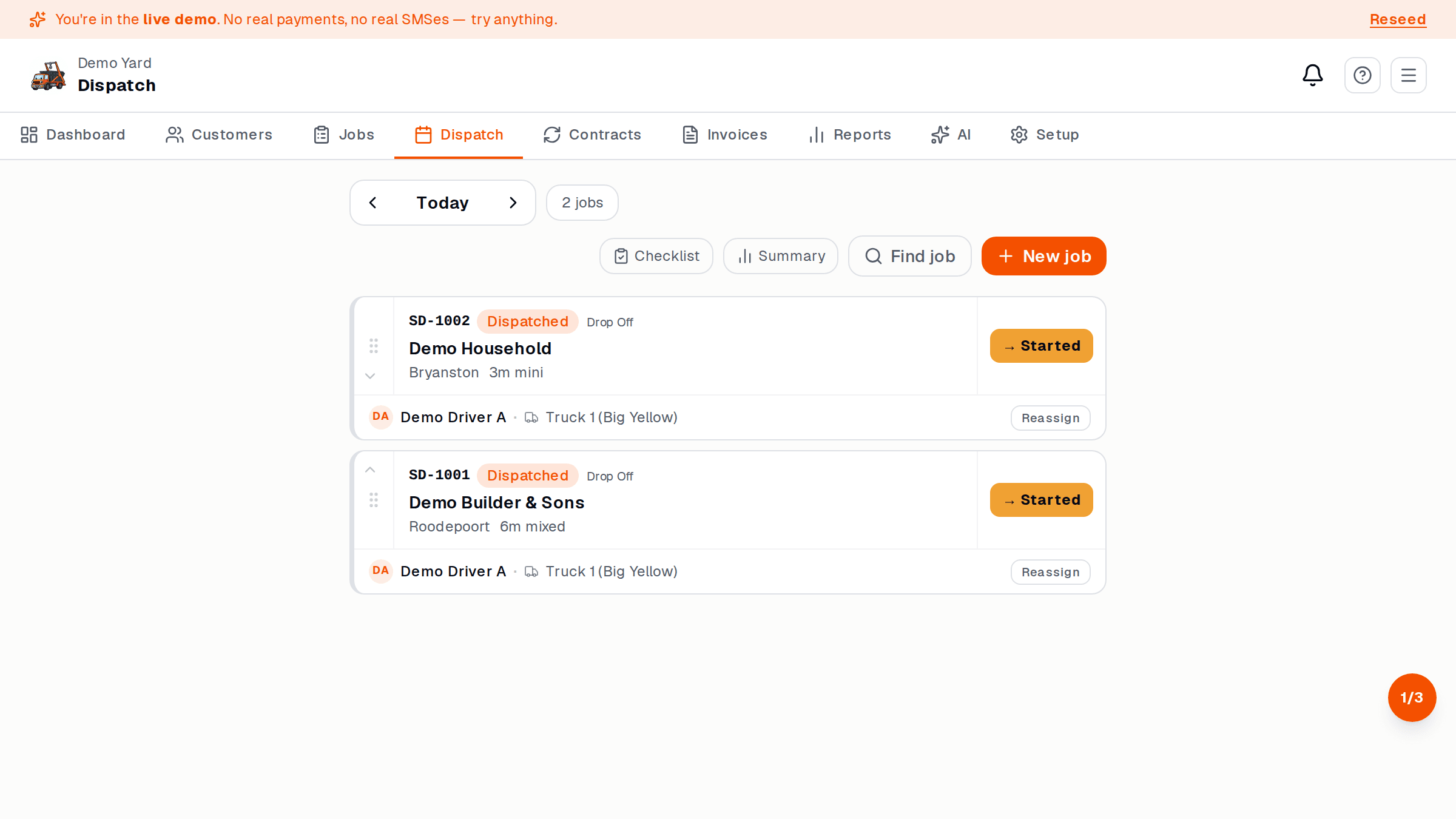
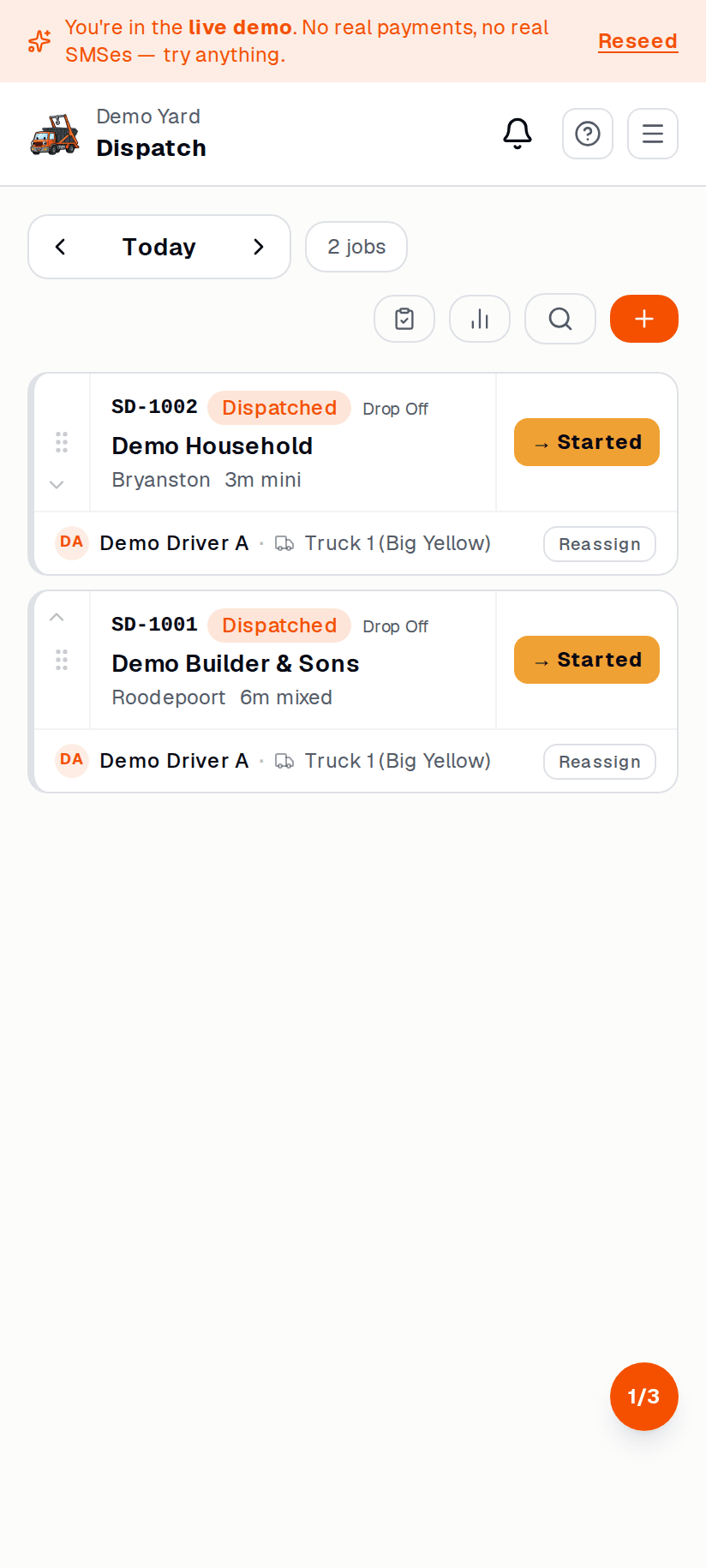
Section titled “How to use it”- Open the Dispatch board.
- Make sure all of today’s jobs are assigned to drivers (drag from backlog).
- Tap Auto-route at the top.
- SkipDrop reorders each driver’s lane into the optimal sequence.
- Review the suggestion. You can drag any card to override.
- Tap Accept — drivers see the new order on their phones.
What the AI considers
Section titled “What the AI considers”- Real-world driving distance (not crow-flies)
- Current traffic (lighter on Saturday, awful on Friday afternoon)
- Skip swap pairing — if Driver A is dropping a skip near where Driver B is collecting, the AI may flip them
- Working hours — won’t suggest a job that finishes after closing time
What it doesn’t consider (yet)
Section titled “What it doesn’t consider (yet)”- Driver preferences (e.g. “Sipho doesn’t drive in Soweto”)
- Customer access windows (“only after 10am”)
- Lunch breaks
If those matter, drag-override the suggestion or set per-customer notes.