
Skip types and pricing
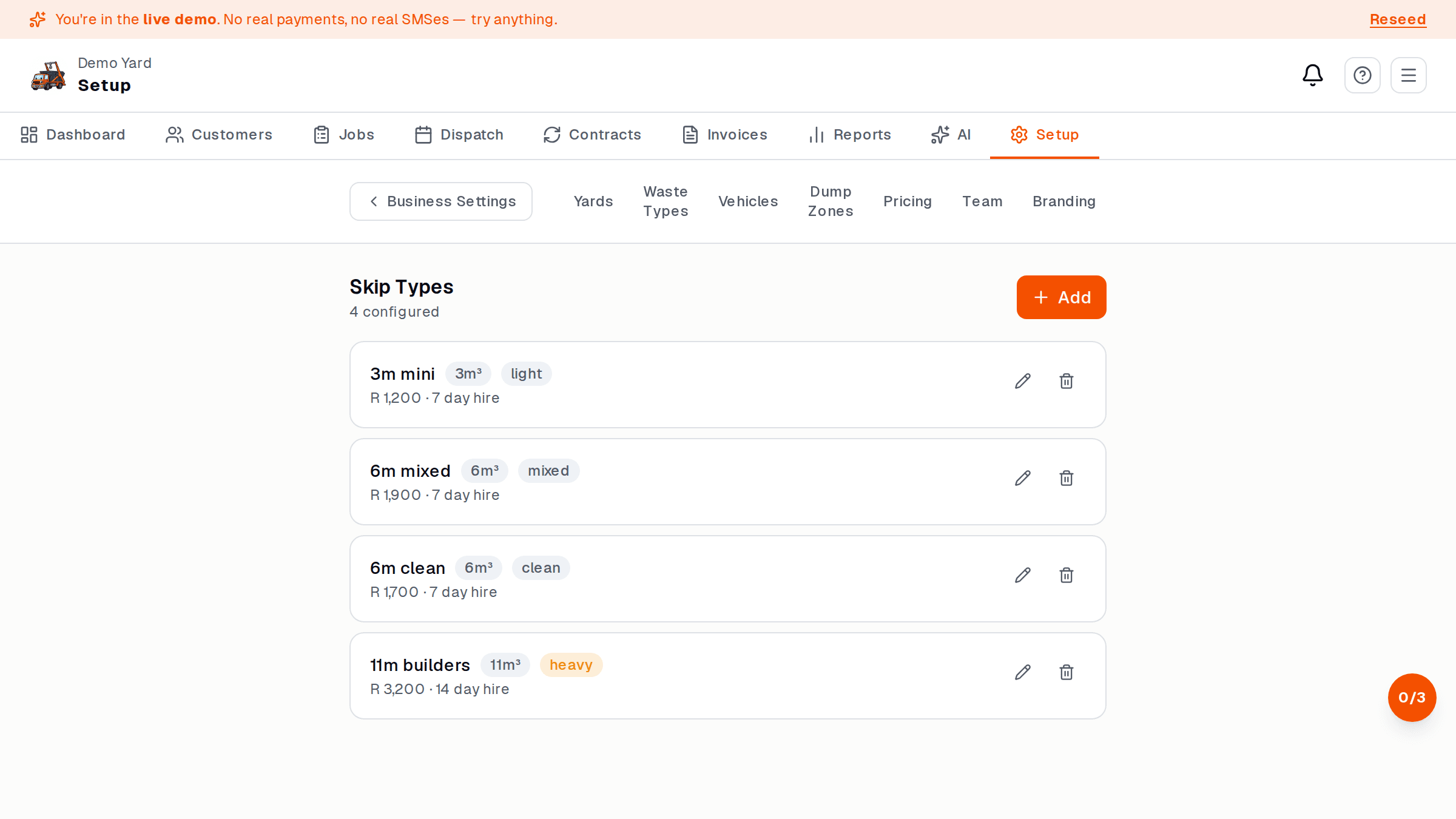
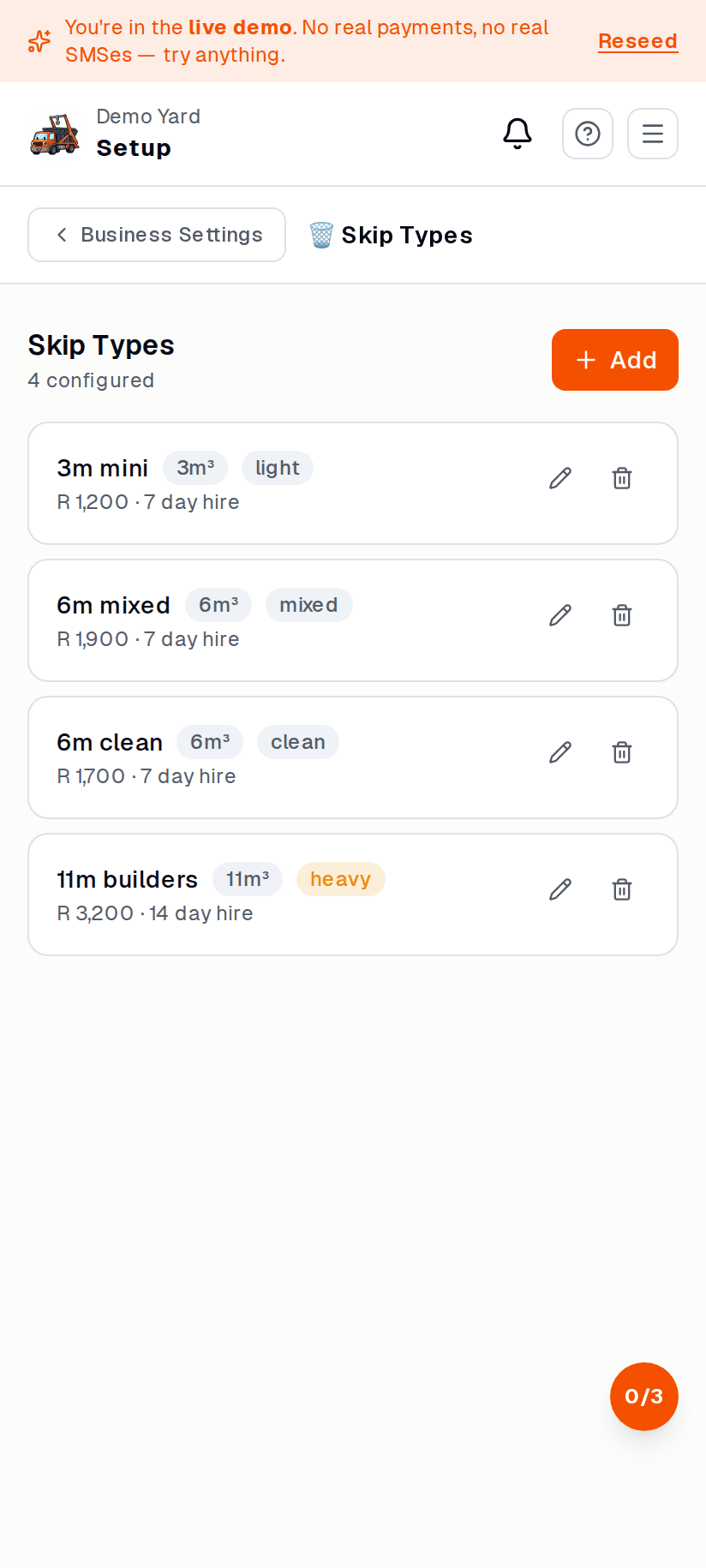
A skip type is a size + waste combination (e.g. “6m mixed”, “11m clean”). You can have as many as you want. Each has a price.
Add a skip type
Section titled “Add a skip type”- Setup → Skips → + New skip type.
- Fill in:
- Size (e.g. 6m, 11m, 6m mini)
- Waste category (mixed, clean, green, hazardous)
- Base price (what the customer pays for the standard hire period)
- Included days (e.g. 7)
- Overrun per day (e.g. R150/day after day 7)
- Save.
Then add the physical skips
Section titled “Then add the physical skips”Once you have the types, add the actual skips:
- Setup → Skips → + Add skip.
- Pick the type.
- Give it a friendly ID (e.g. SK-001) — paint this on the skip in real life.
- Save.
The dispatch board uses these IDs to track where each skip is.
Pricing — what is in the base price
Section titled “Pricing — what is in the base price”The base price covers:
- Delivery
- The hire period (days you set)
- Collection
- Standard dumping at your default dump zone
It does not cover:
- Overrun days (extra days beyond the included period)
- Overweight skips (Pro can add per-tonne rules)
- Contamination charges (added manually)
- Wasted-trip fees (driver gets there, customer not ready)
See also
Section titled “See also”- Dump zones — where weight + cost per tonne lives
- Online payments — getting paid for these