
Dump zones
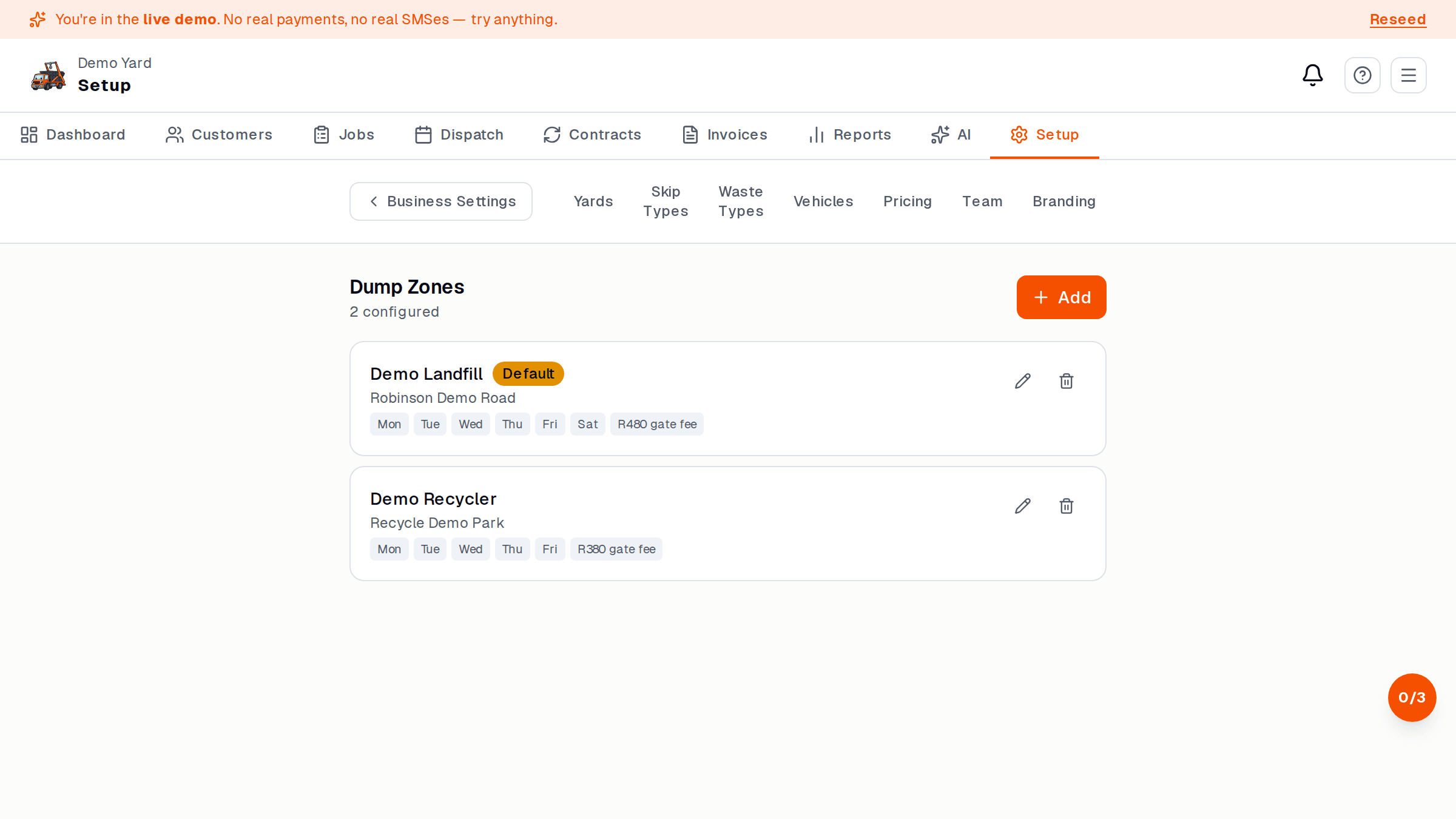
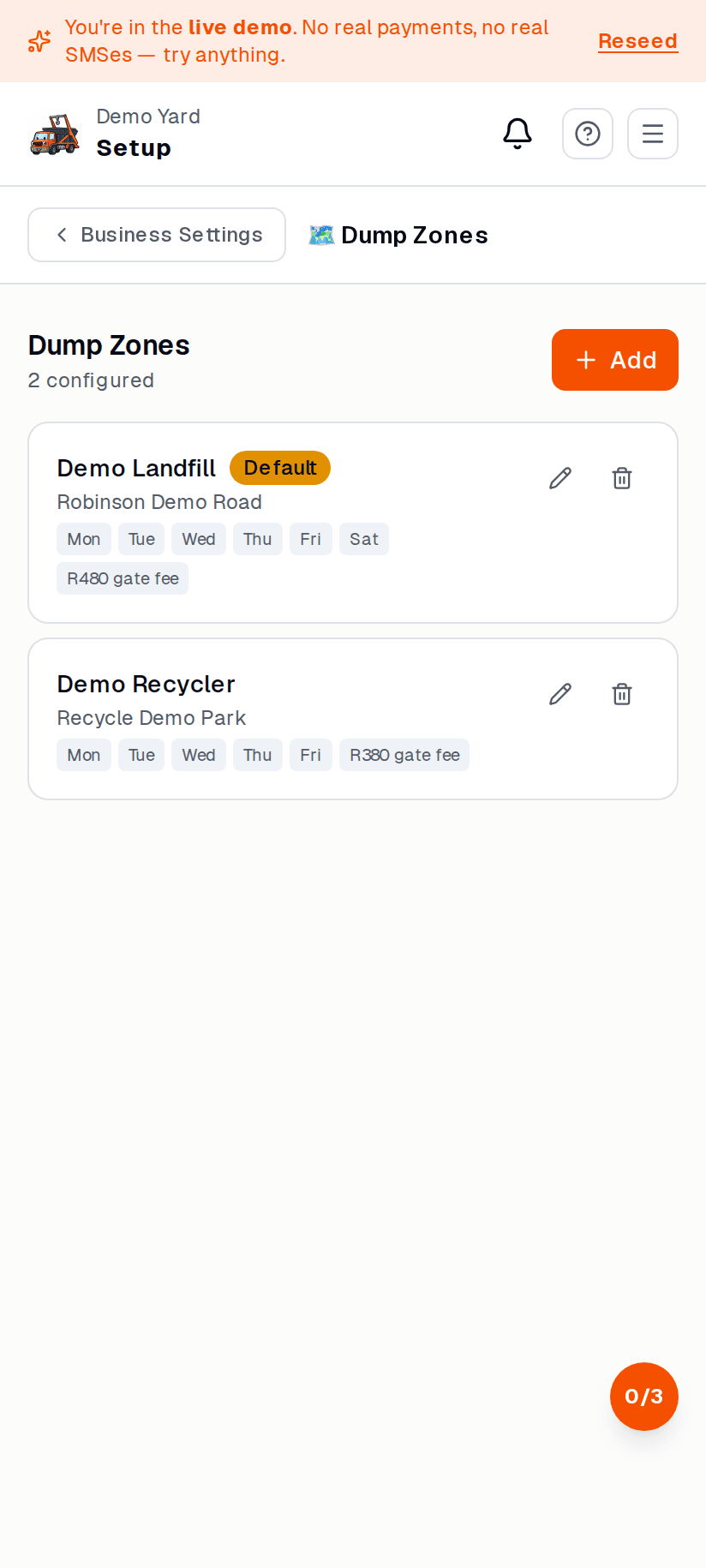
A dump zone is anywhere your driver takes a full skip to be emptied. Add the ones you use so drivers can pick them in the field, and SkipDrop can track the cost.
Add a dump zone
Section titled “Add a dump zone”- Setup → Dump zones → + New zone.
- Fill in:
- Name (e.g. “Robinson Deep landfill”)
- Address (used for distance + reporting)
- Per-tonne cost (what they charge you)
- Accepted waste (mixed / clean / green / hazardous — tick what they take)
- Save.
How the driver uses it
Section titled “How the driver uses it”At the dump, the driver:
- Picks the dump zone (only ones that accept the waste category show up).
- Enters the weighbridge ticket — tonnes (or kg).
- Optional: snaps a photo of the ticket.
SkipDrop multiplies tonnes × per-tonne cost and adds the dump cost to the job invoice automatically.
Reports
Section titled “Reports”The Reports → Dump costs view shows monthly tonnes + spend per zone, plus a trend so you can spot a tip that’s pushed prices up.