
Upgrade or downgrade
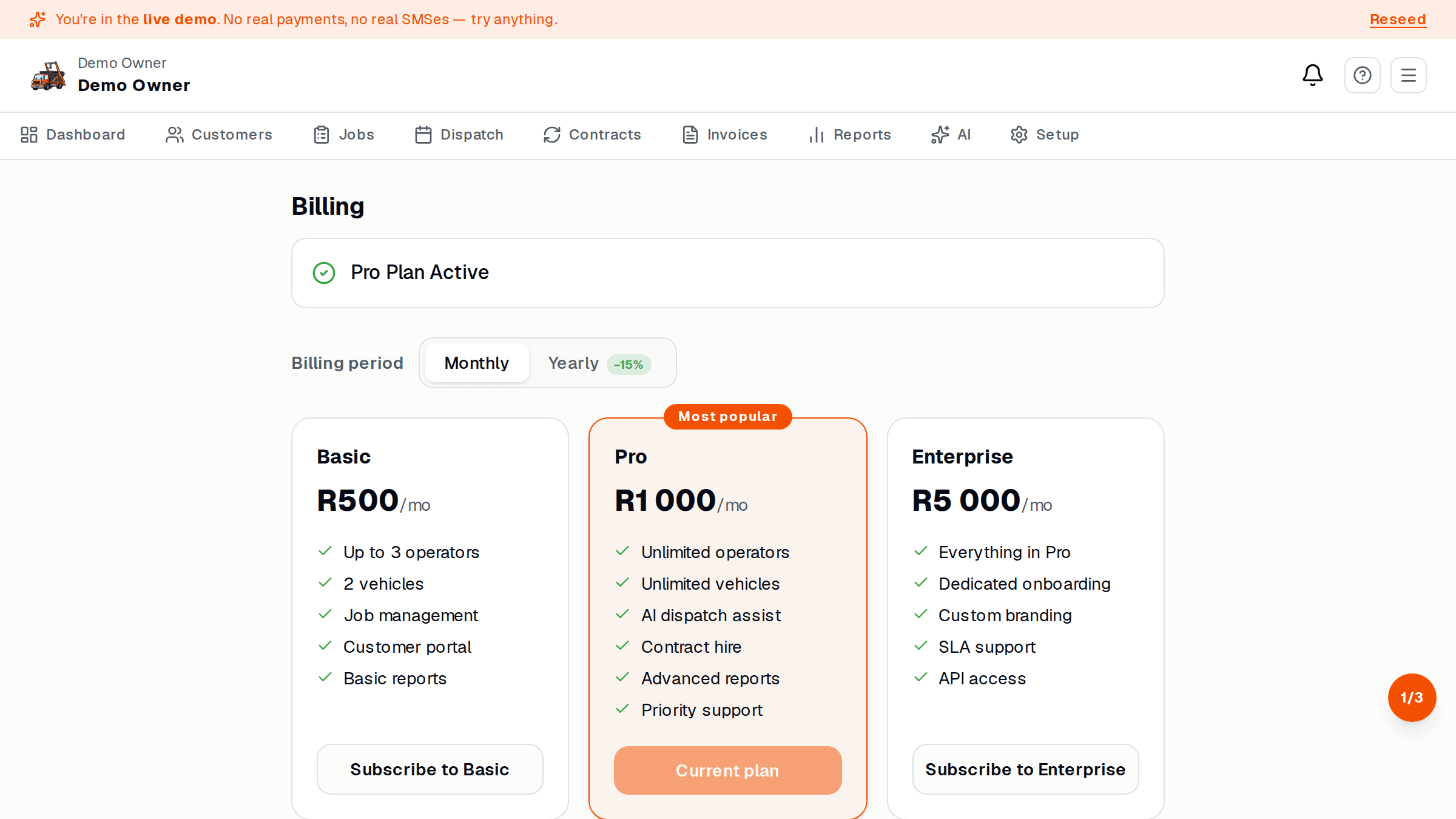
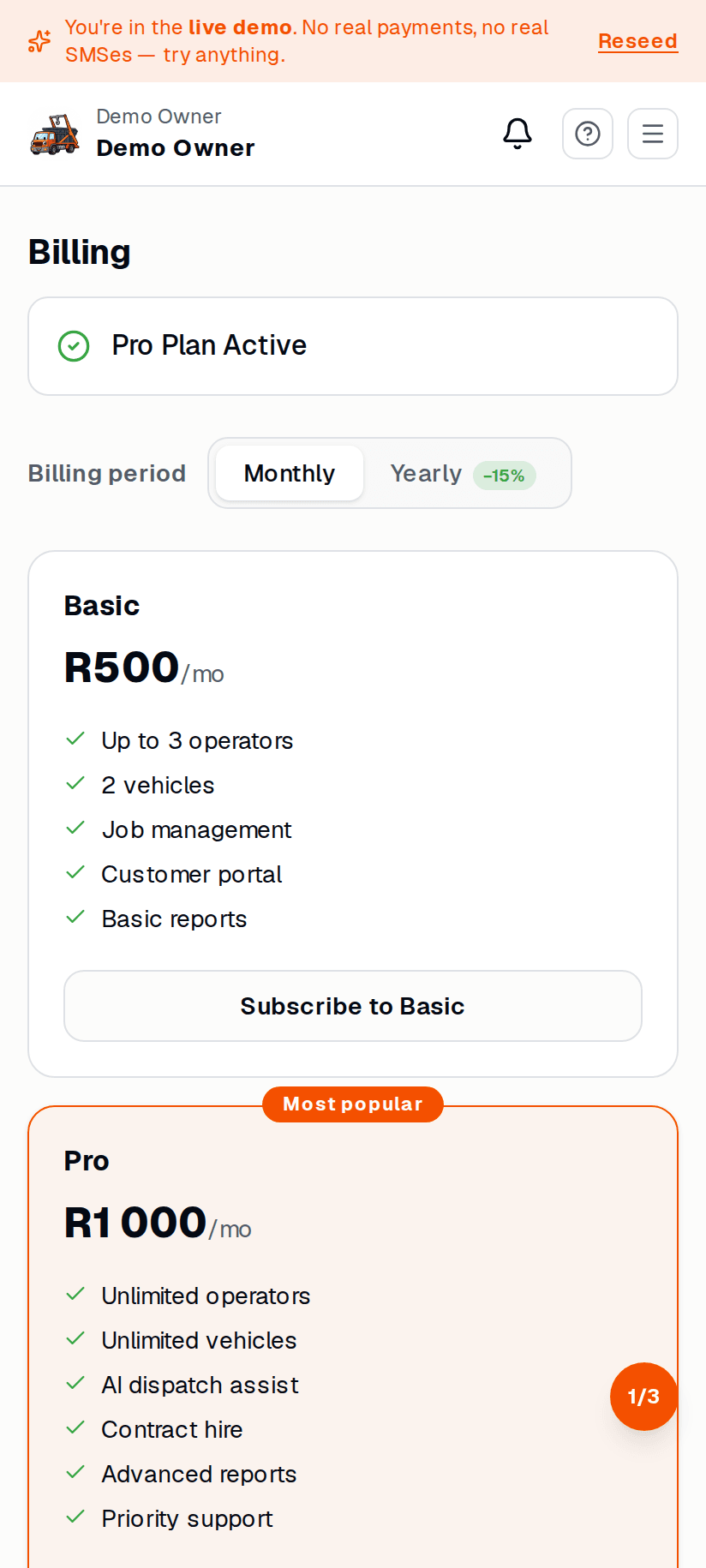
Upgrade
Section titled “Upgrade”- Settings → Billing.
- Tap Change plan.
- Pick the new plan.
- SkipDrop takes you to PayFast to pay the pro-rated difference for the rest of the month.
- Once PayFast confirms, the new features unlock instantly.
Downgrade
Section titled “Downgrade”You can downgrade at the start of any month. Tap Change plan and pick a lower tier — the downgrade kicks in on the 1st of the next month, no refund for the current month.
If your downgrade removes a feature you’re using (e.g. dropping from Pro to Basic removes online card payments), SkipDrop warns you and gives a one-tap “cancel downgrade” if you change your mind.
Cancel
Section titled “Cancel”Settings → Billing → Cancel subscription.
- Your yard goes to read-only at the end of the current billing month.
- You can come back any time by picking a plan again.
- After 90 days of read-only, we send a final notice — after that data is archived (still recoverable on request, but not visible in the app).