
Fleet (vehicles)
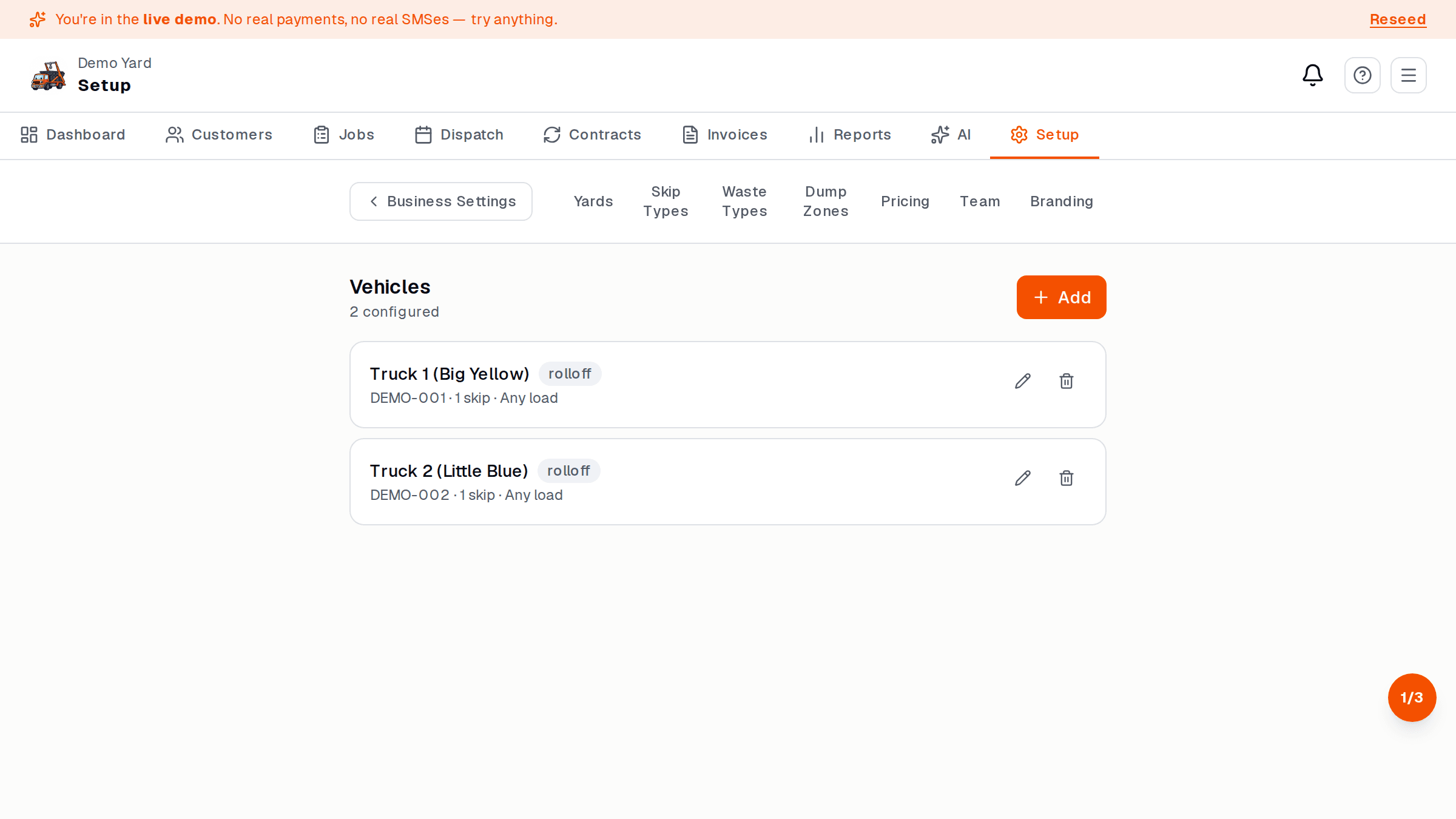
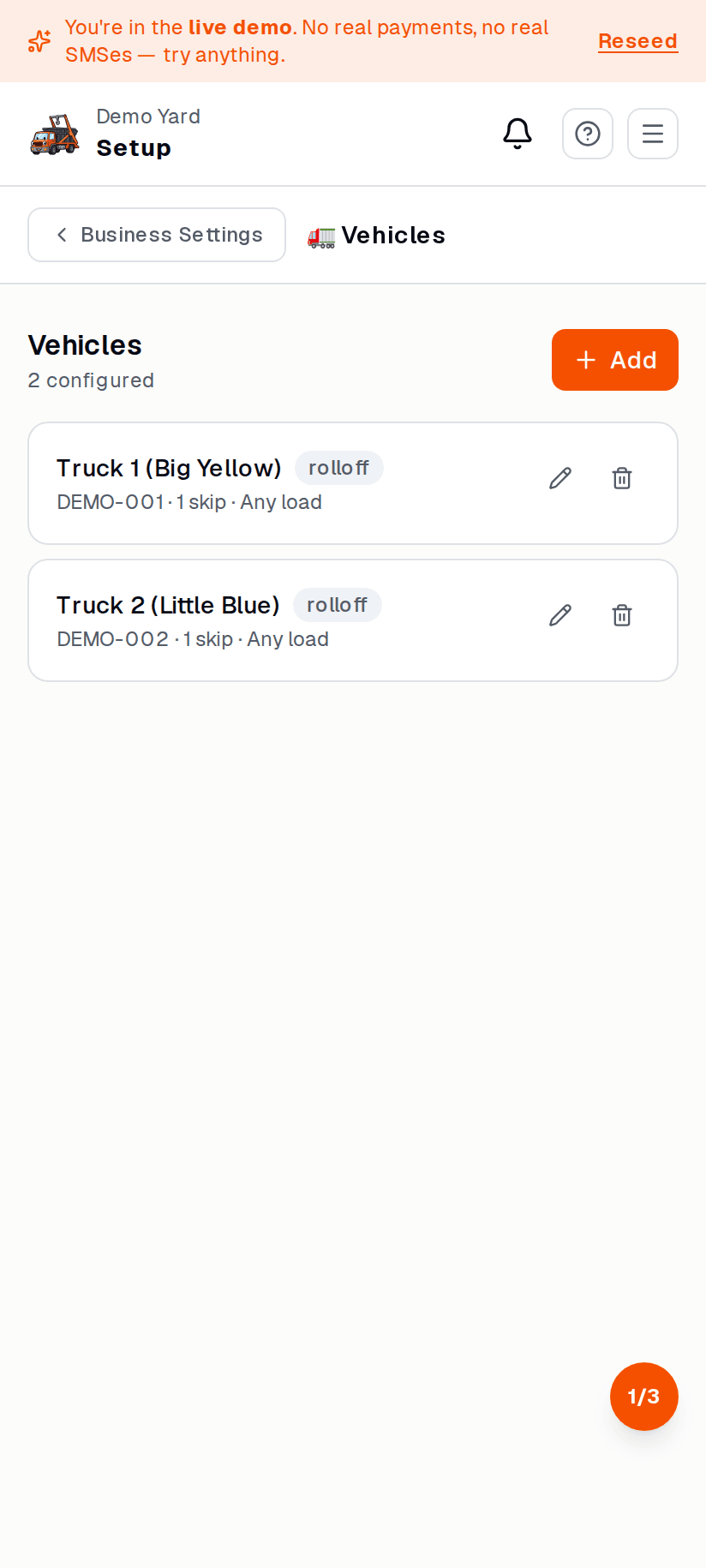
A vehicle in SkipDrop is anything that drops or collects a skip. Usually a roll-on truck, sometimes a tipper.
Add a vehicle
Section titled “Add a vehicle”- Setup → Fleet → + Add vehicle.
- Enter:
- Registration / number plate
- Friendly name (e.g. “Truck 2” or “Big Yellow”)
- Type: roll-on / tipper / dropside
- Capacity (how many skips it can carry — usually 1)
- Save.
What the vehicle does for you
Section titled “What the vehicle does for you”- Shows up in the dispatch board lane when you assign a driver who is in that vehicle today.
- Tracks total kilometres / trips for reporting.
- Lets you set per-vehicle costs if you want a cost-per-trip figure (Pro).
Take a vehicle off the road
Section titled “Take a vehicle off the road”Open the vehicle and tick Out of service. Any jobs assigned to that vehicle’s driver stay assigned to the driver, but the vehicle no longer appears as a load option.