
On site — the driver app
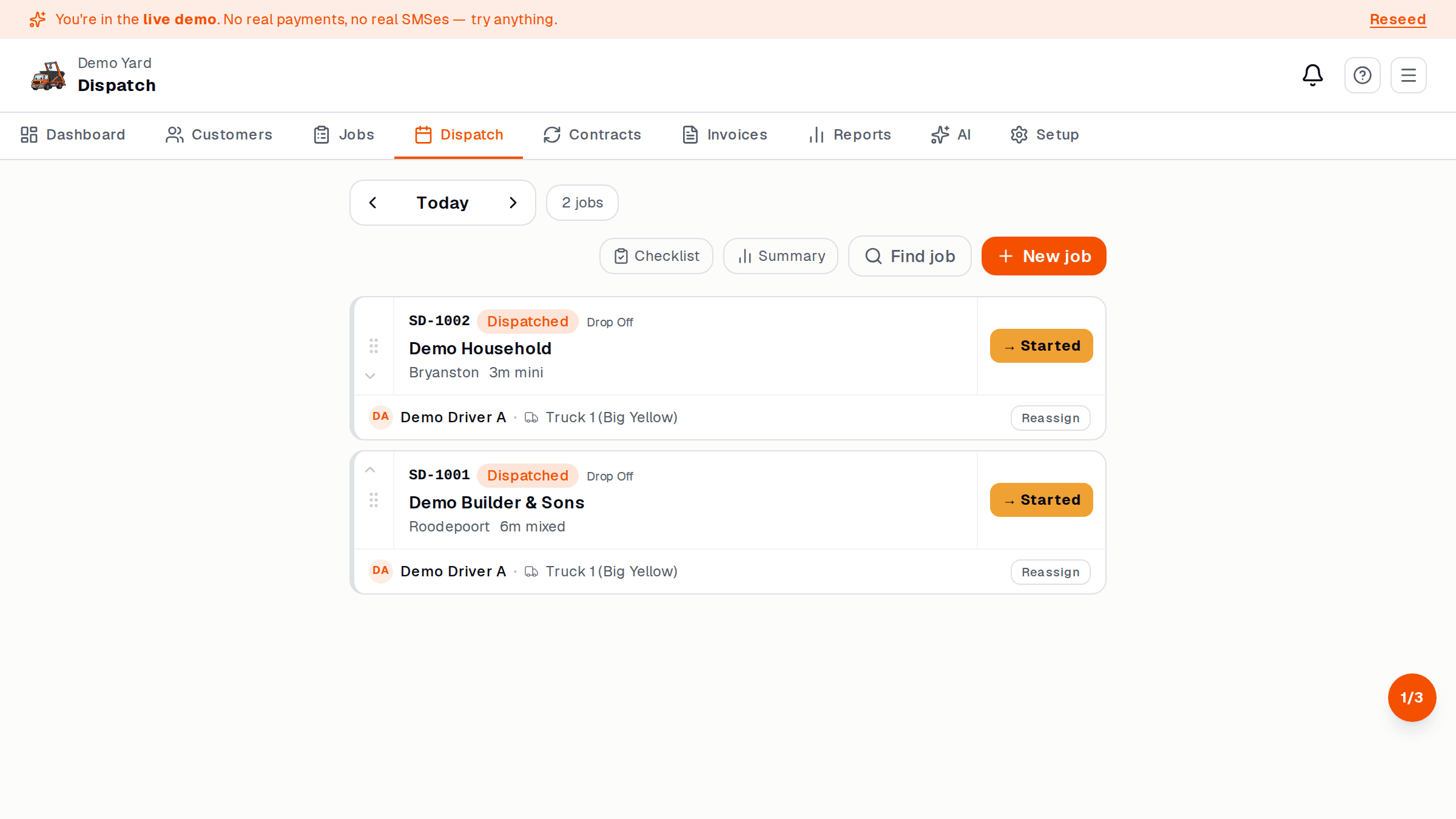
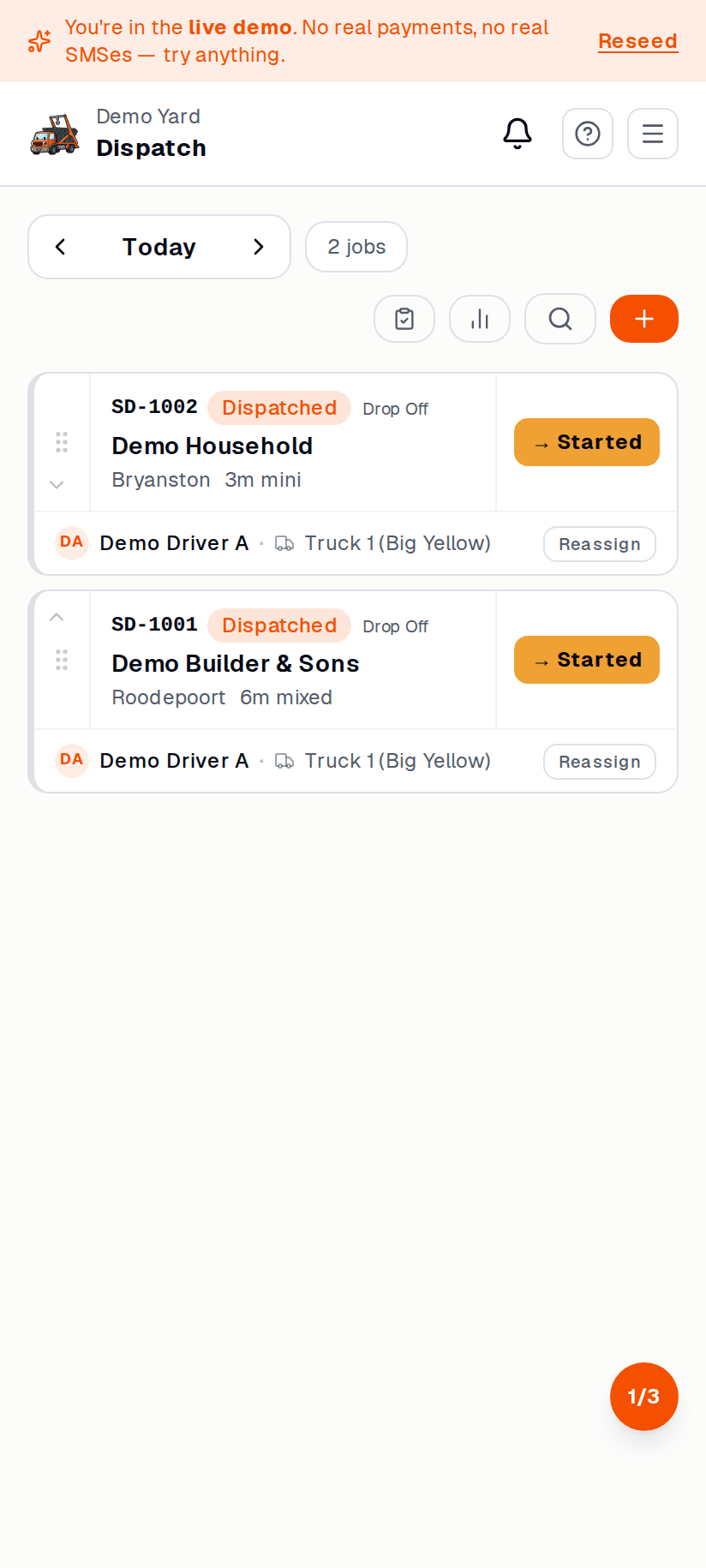
There is no separate app to install. Drivers open
yourbusiness.skipdrop.co.za in their phone browser, log in with their cell + OTP,
and see only their jobs for the day.
What the driver does
Section titled “What the driver does”For each job, the driver taps through these states:
-
Heading there. Sets the job to en route. The operator sees the truck icon.
-
On site. Driver takes a photo (skip in place, or empty pad), confirms the address, and SkipDrop logs the GPS pin.
-
Skip dropped / collected. Driver scans or enters the skip ID. SkipDrop links the skip to that customer and address.
-
At dump. (Collection only.) Driver picks the dump zone and enters the weighbridge ticket / tonnes. SkipDrop adds the dump cost to the job.
-
Done. Job goes green on the operator’s dispatch board.
What if there is a problem?
Section titled “What if there is a problem?”The driver taps Report issue on the job and picks a reason:
- Customer not home
- Wrong address / can’t access
- Skip blocked in
- Other (free text)
The operator gets a notification and decides what to do — reschedule, refund, or call.
What the driver does not see
Section titled “What the driver does not see”- Other drivers’ jobs
- Customer prices or invoices
- Anything outside today’s jobs