
Manage customers
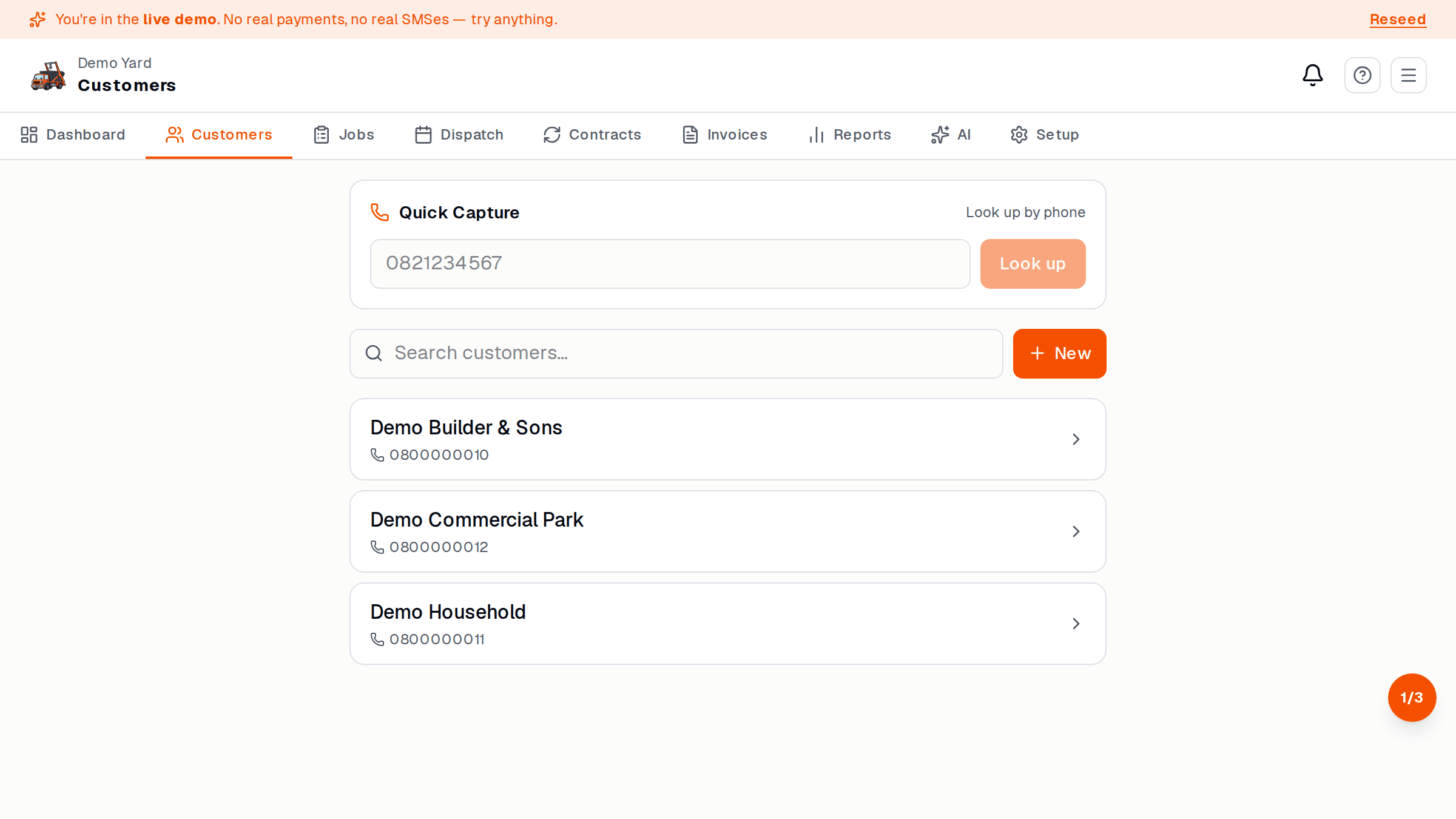
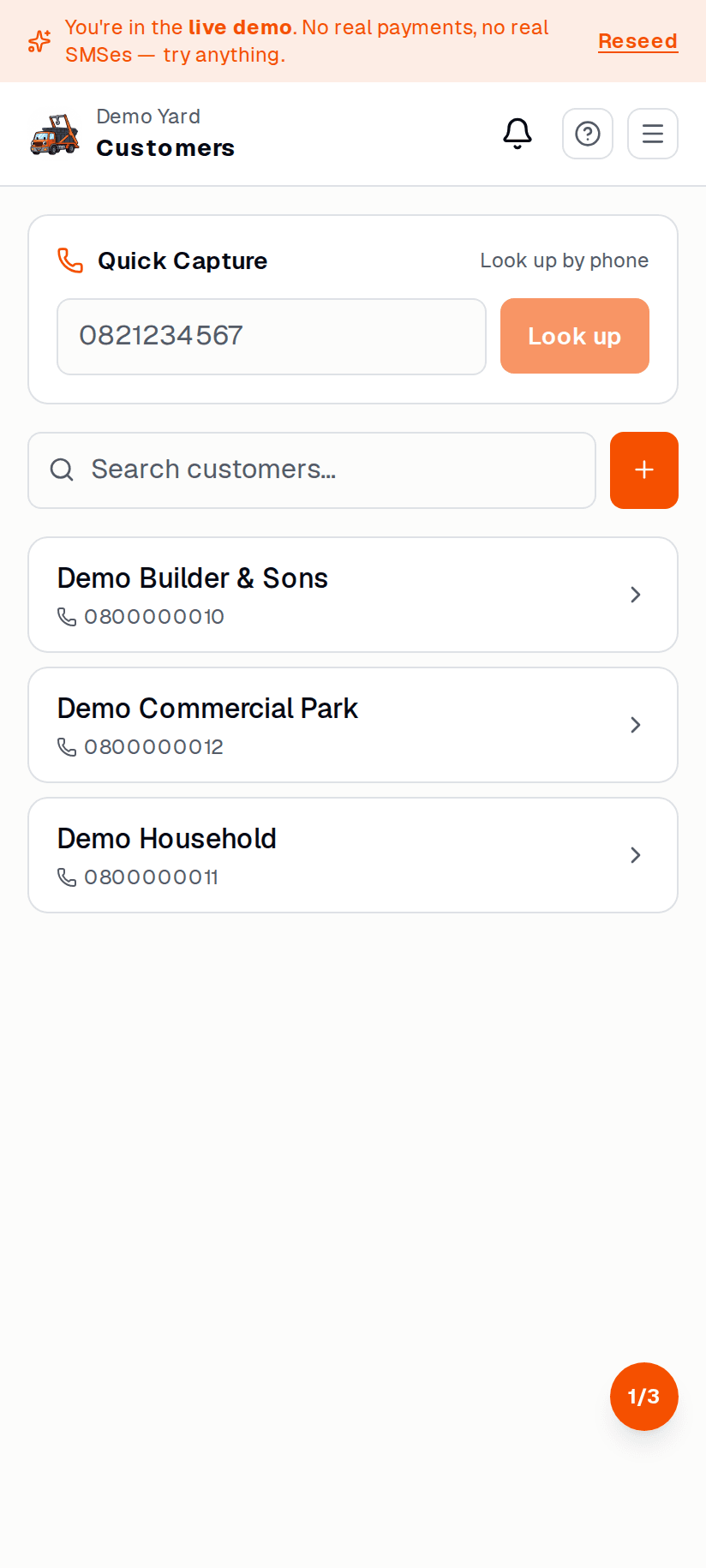
A customer is anyone you’ve delivered a skip to — once-off household, repeat-job builder, big commercial site. SkipDrop tracks them all.
Add a customer
Section titled “Add a customer”- Customers → + New customer.
- Enter:
- Name (person or business)
- Cell + email
- Default delivery address (optional — multiple sites are supported)
- Billing address (if different)
- Save.
You can also add a new customer inside the booking flow — type a name that doesn’t exist and tap + New customer.
The customer record
Section titled “The customer record”Tap any customer to see:
- All their past + upcoming jobs
- Invoice history — paid, outstanding, overdue
- Sites — multiple addresses for one customer (builders love this)
- Notes — internal, your team only
Price overrides
Section titled “Price overrides”For repeat / commercial customers you can set a per-skip-type override:
- Open the customer.
- Tap Pricing → + Override.
- Pick the skip type + the new price.
- Save.
All future bookings for this customer use the override. Existing jobs are not changed.
Awkward customers
Section titled “Awkward customers”If a customer is on the never-again list:
- Tap Block.
- They are stopped from booking online.
- Phone bookings still work but show a big red warning on the booking screen.