
Book a job
There are three ways a job gets onto SkipDrop:
- You book it when the phone rings.
- The customer books online through your booking page.
- A driver adds it from the field if they take a walk-in.
This page covers the operator booking flow. For online bookings, see the customer portal.
Phone-call booking — 30 seconds
Section titled “Phone-call booking — 30 seconds”-
From your dashboard, tap + New job.
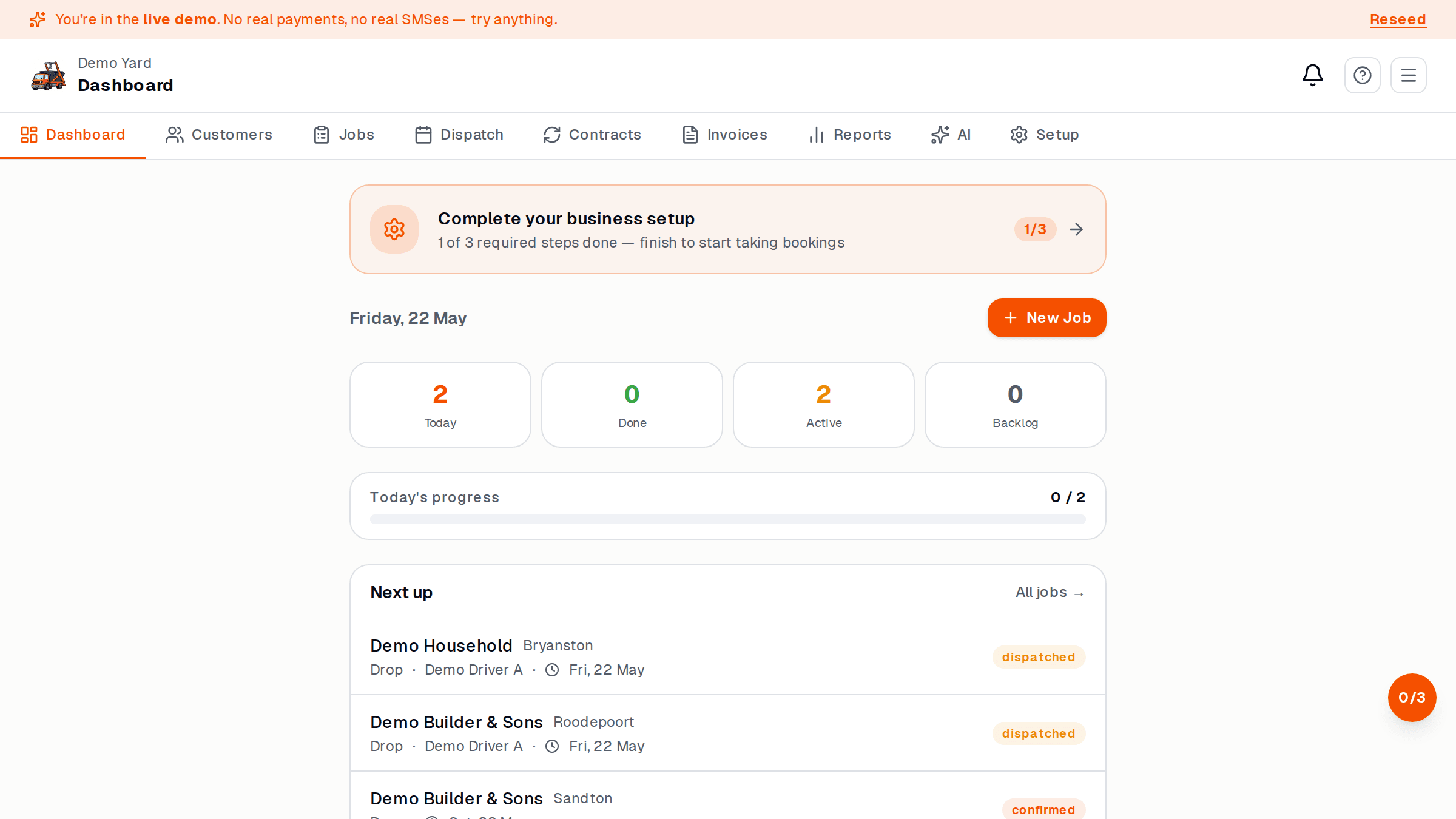
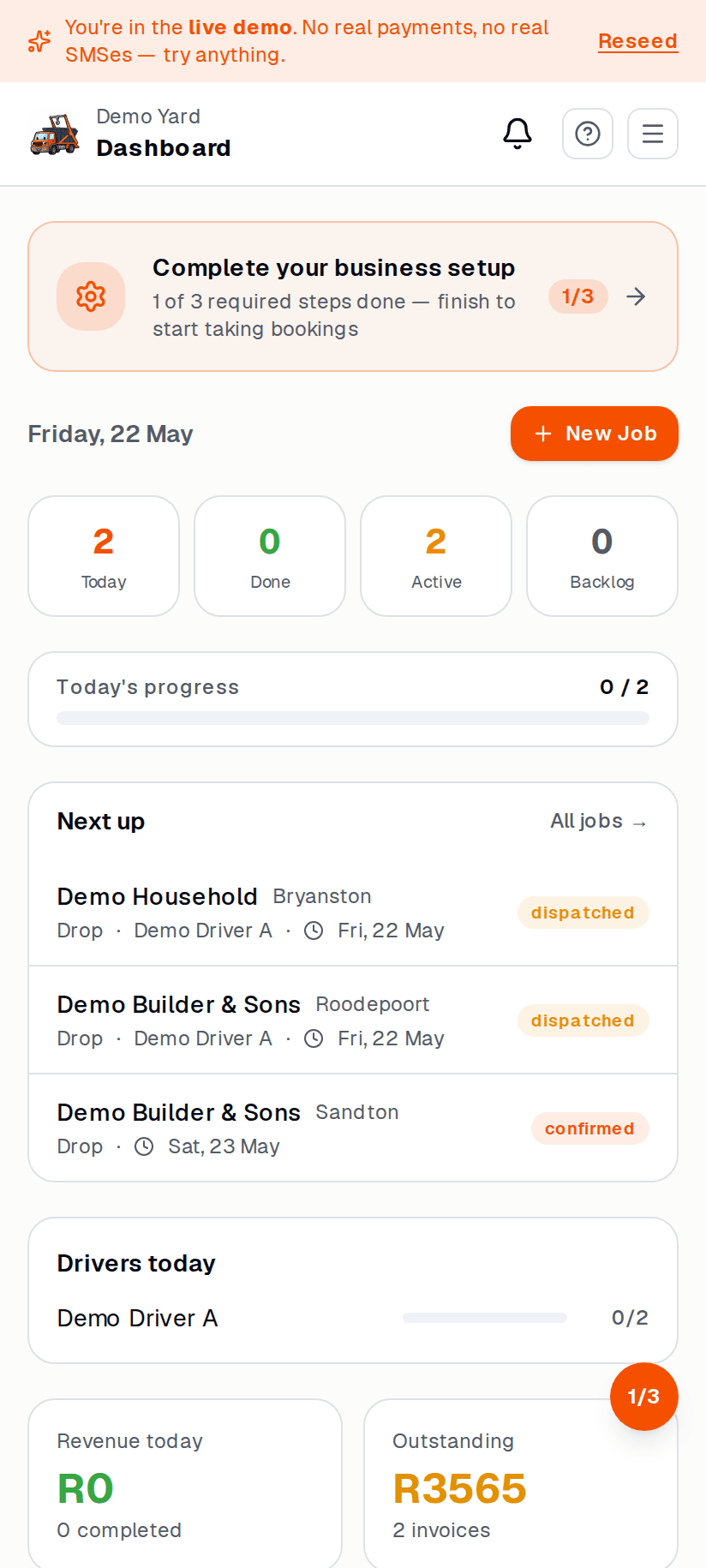
-
Pick the customer. Start typing the name — existing customers autocomplete. New customer? Tap + New customer and add name + cell.
-
Pick a skip type (e.g. 6m mixed waste). The form shows you what is available and the price.
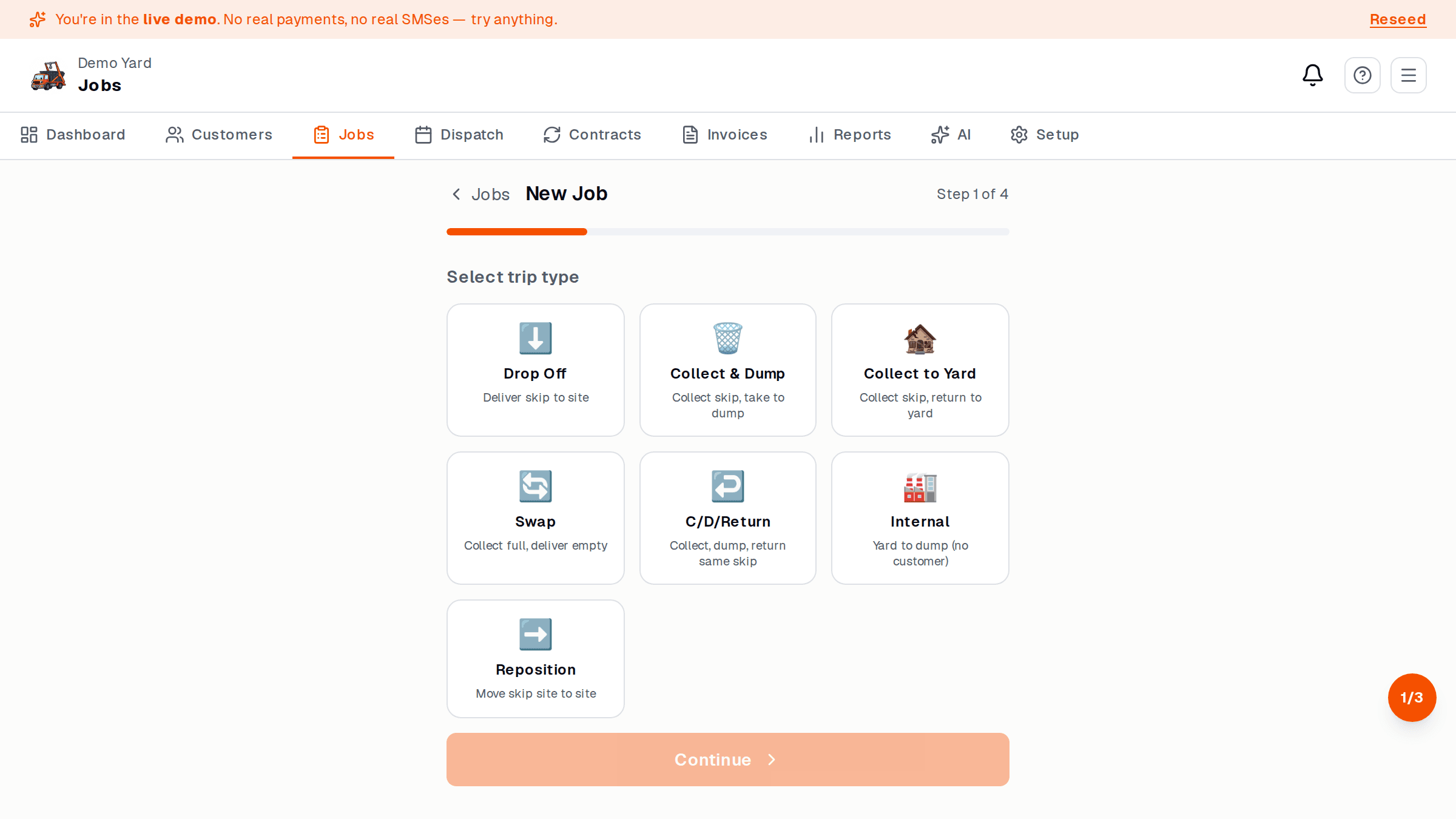
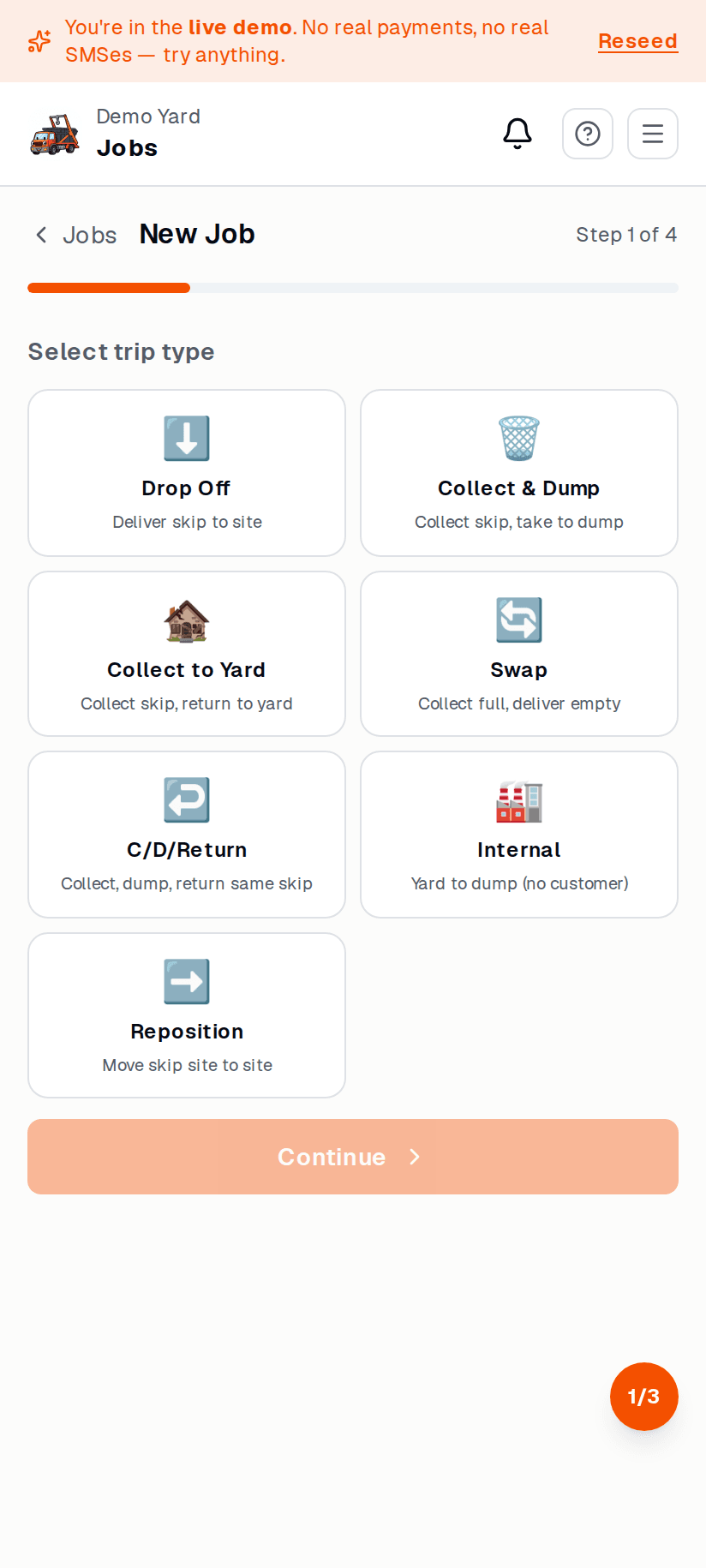
-
Drop address. Type or paste. SkipDrop uses Google Places to autocomplete.
-
Delivery date. Today, tomorrow, or pick a date.
-
Tap Book. Done. The job lands on your dispatch board.
What happens next
Section titled “What happens next”- The job is scheduled (status pill, yellow).
- It appears on the Dispatch board on the date you picked.
- The customer gets a confirmation SMS.
- When you assign a driver, they get the job on their phone.