
Receiving online payments
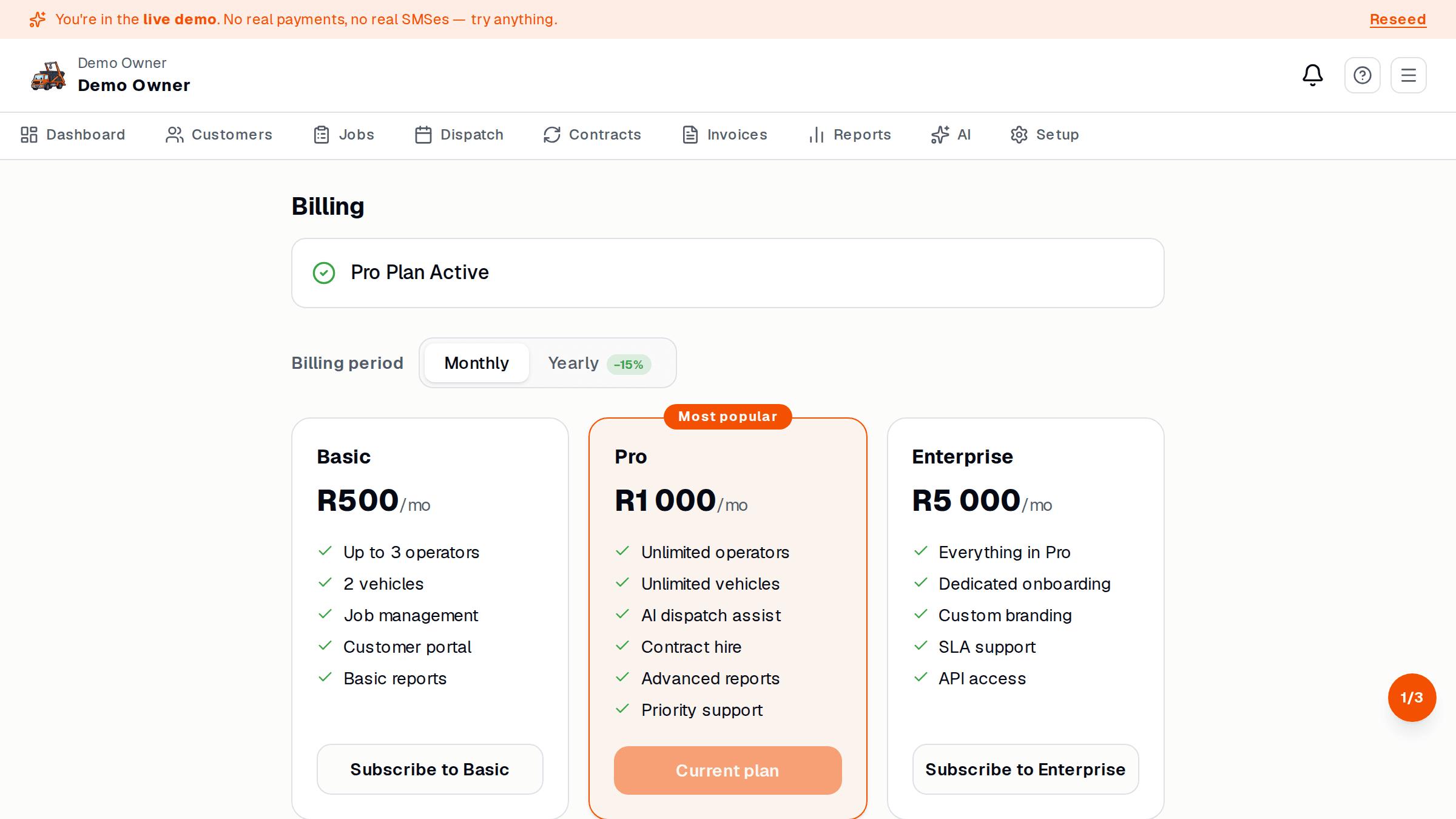
Online payments are a Pro feature. Customers pay through PayFast — the same gateway most South African e-commerce uses. You don’t see card details; PayFast handles them.
What you’ll need
Section titled “What you’ll need”- A South African business bank account in your business name
- Your company registration (CIPC) or sole-prop confirmation
- Photo ID of the account holder
- A short note about what you sell (this is regulator stuff — PayFast asks)
Switch it on
Section titled “Switch it on”- Setup → Payments → Connect PayFast.
- SkipDrop redirects you to PayFast’s onboarding form. Fill it in.
- PayFast verifies your business (usually within 1 business day).
- Once approved, SkipDrop flips your account to online payments enabled.
How it works
Section titled “How it works”- Your invoices and booking page show Pay with card / EFT as an option.
- The customer pays. PayFast tells SkipDrop. SkipDrop marks the invoice / job as paid.
- PayFast pays out to your business bank account on a settlement schedule (typically T+1 for cards, T+2 for instant EFT).
- PayFast charges a per-transaction fee — visible in their merchant dashboard.
PayFast fees come off the money before it lands in your bank. SkipDrop does not take a cut of customer payments — you only pay your monthly subscription.
What if PayFast rejects me?
Section titled “What if PayFast rejects me?”Common reasons: bank account name doesn’t match the registered business name, missing CIPC documents, or the merchant category isn’t supported. SkipDrop support can usually help — we’ve seen most reasons before.
See also
Section titled “See also”- Plans — Pro tier
- Complete and invoice — how payments link to invoices