
Online booking portal
Your subdomain (yourbusiness.skipdrop.co.za) is your customer-facing site.
Anyone can land on it and book a skip — without your phone ringing.
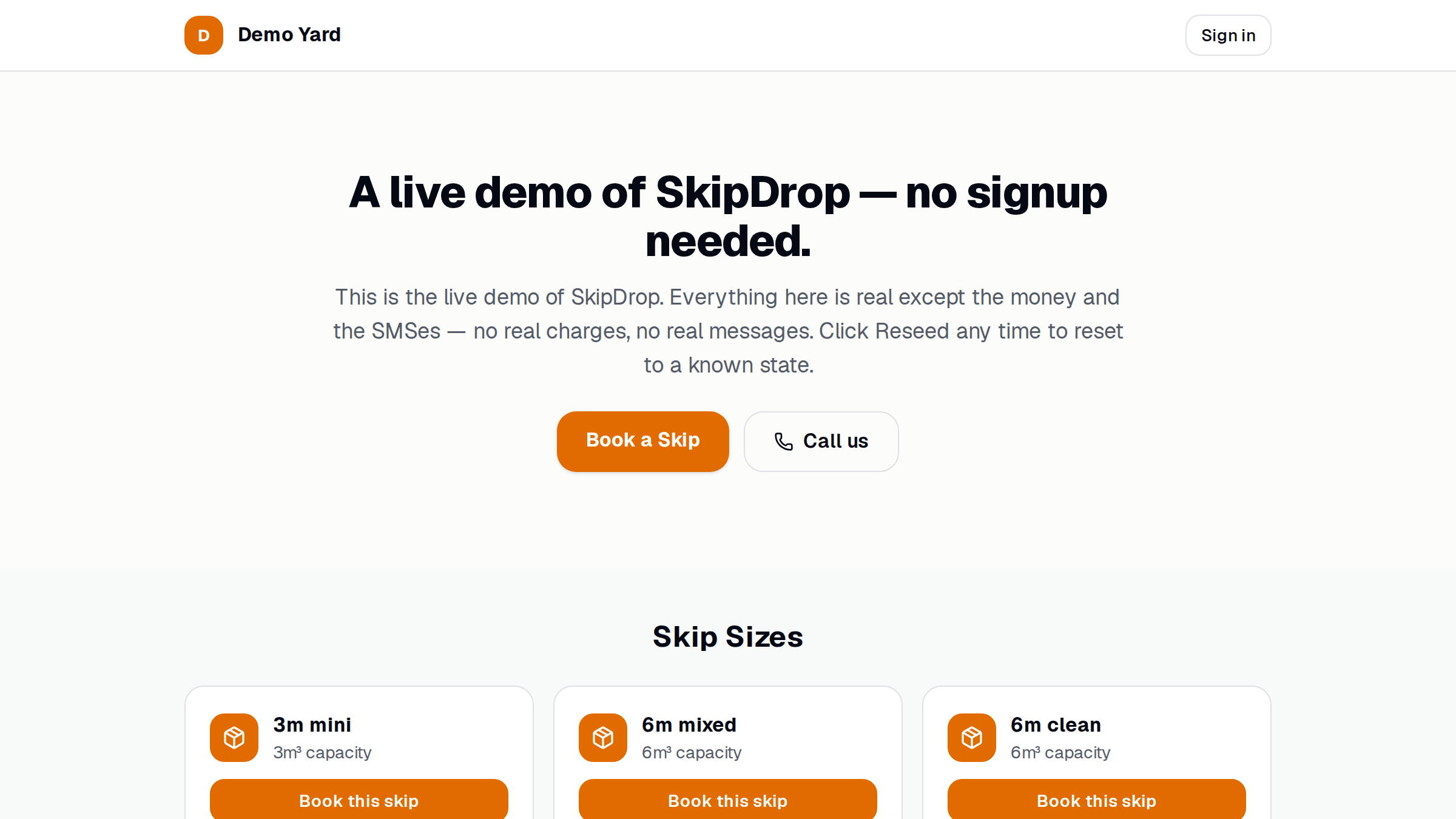
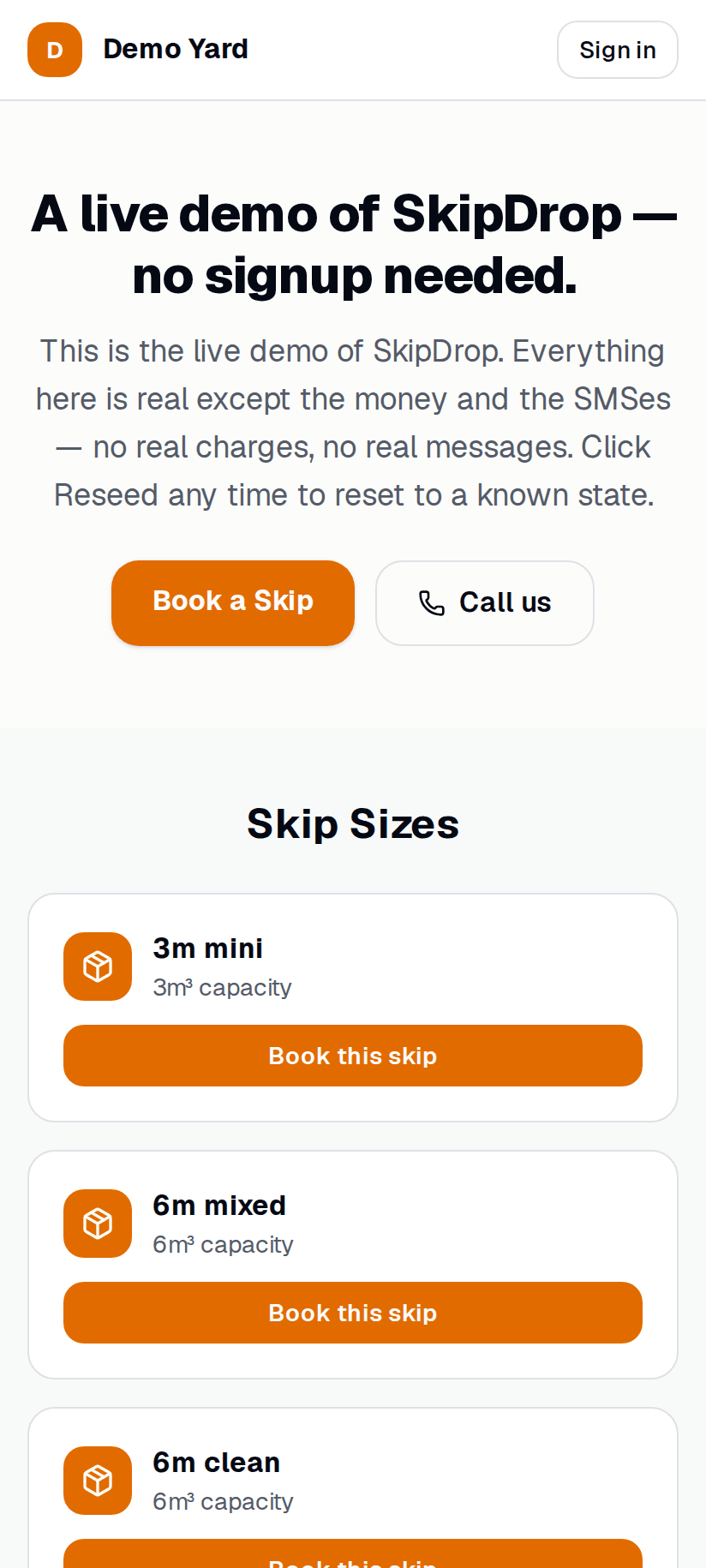
What the customer does
Section titled “What the customer does”- Opens your booking page.
- Picks a skip size + waste type.
- Enters delivery address + date.
- Pays with card / EFT (PayFast) — or you can switch this off and let them choose “I’ll pay on delivery”.
- Gets an SMS confirmation.
What you do
Section titled “What you do”Nothing — the job lands on your dispatch board as scheduled. Same as if you’d booked it yourself.
Switch it on / off
Section titled “Switch it on / off”- Setup → Your store → Online bookings.
- Toggle Accept online bookings.
- (Optional) Limit which skip types are bookable online — useful if you only want builders + mixed-waste online.
Customise the experience
Section titled “Customise the experience”In Setup → Your store you can:
- Show your logo + brand colour
- Add your trading address + opening hours
- Write a short blurb that appears under the hero
- Add an FAQ section (Markdown supported)
Limit who can book
Section titled “Limit who can book”By default, anyone can book. To require sign-in first (useful for trade-only yards), toggle Sign-in required in Online bookings settings. Customers go through OTP first.
See also
Section titled “See also”- Online payments — switching on card/EFT
- Plans