
Your store
Setup → Your store is where you control how your yard looks to customers, drivers, and SARS.
What lives here
Section titled “What lives here”- Business name + trading name
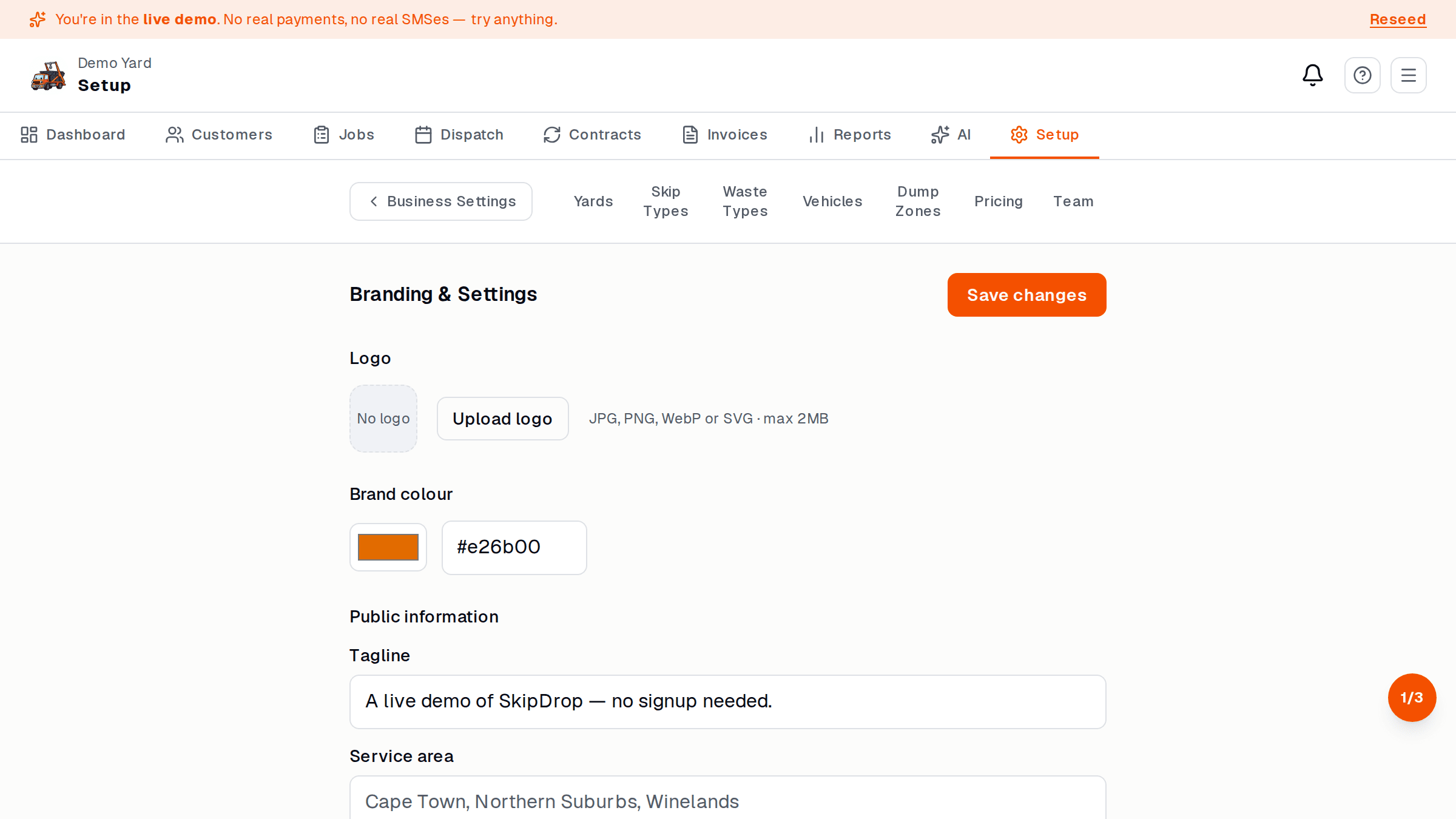
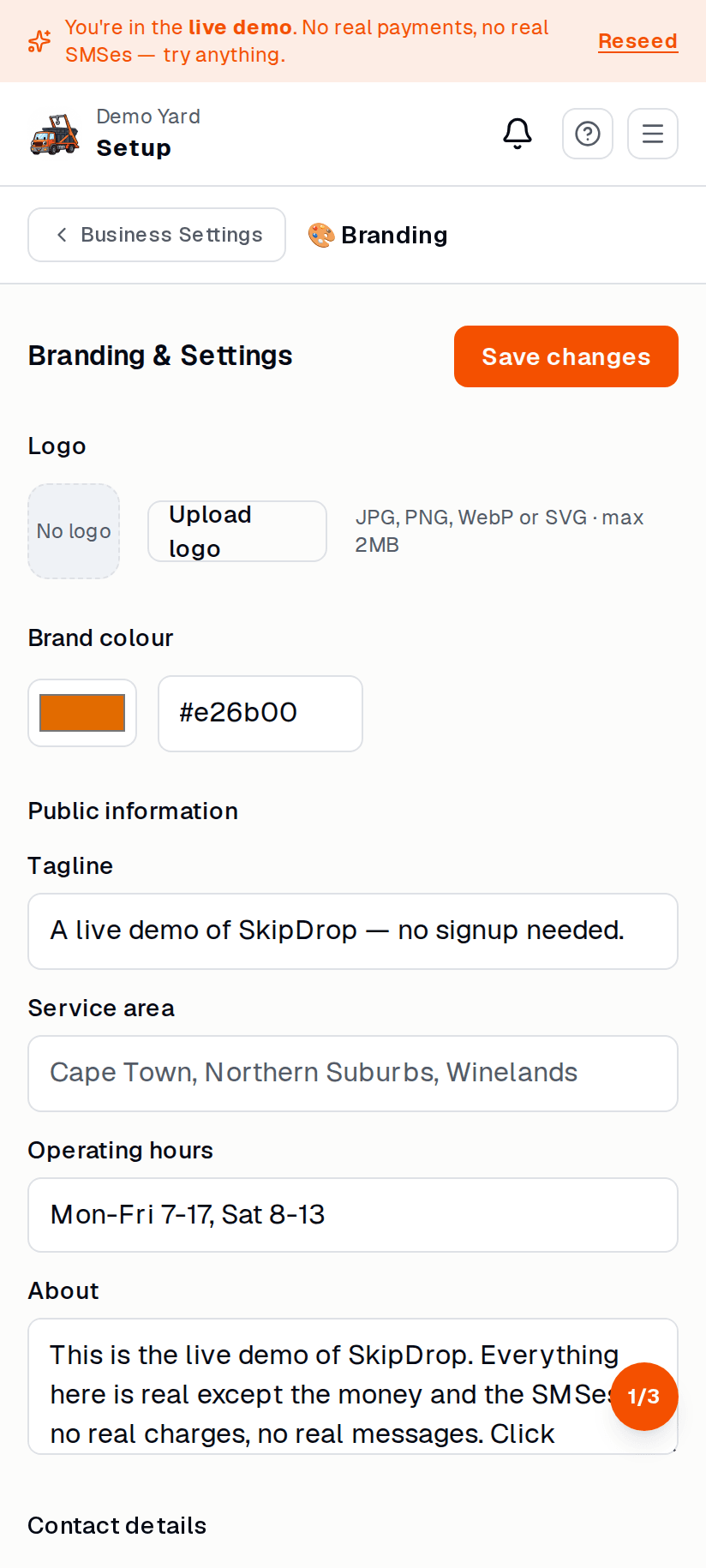
- Logo (shows on the dashboard, invoices, and customer booking page)
- Yard address — where customers see “based in…”
- Contact — public phone + email
- Working hours — used to gate online bookings (no Sunday bookings if you’re closed Sunday)
- VAT settings — toggle on, enter your VAT number, set the rate (default 15%)
- Bank details — for manual EFT customers
- Invoice cadence — when reminders go out (default 7 + 14 days)
- Branding colours — customer-facing pages pick these up
Change something
Section titled “Change something”- Top nav → Setup → Your store.
- Edit the field.
- Tap Save at the top right. Changes are live within seconds.
What customers see
Section titled “What customers see”Open yourbusiness.skipdrop.co.za in a private window. That is your public
booking page, branded with your logo + colours + hours.
See also
Section titled “See also”- Online payments — separate from store settings
- Plans — what you can and can’t do per plan