
Reports
Reports is your yard’s pulse. Top nav → Reports.
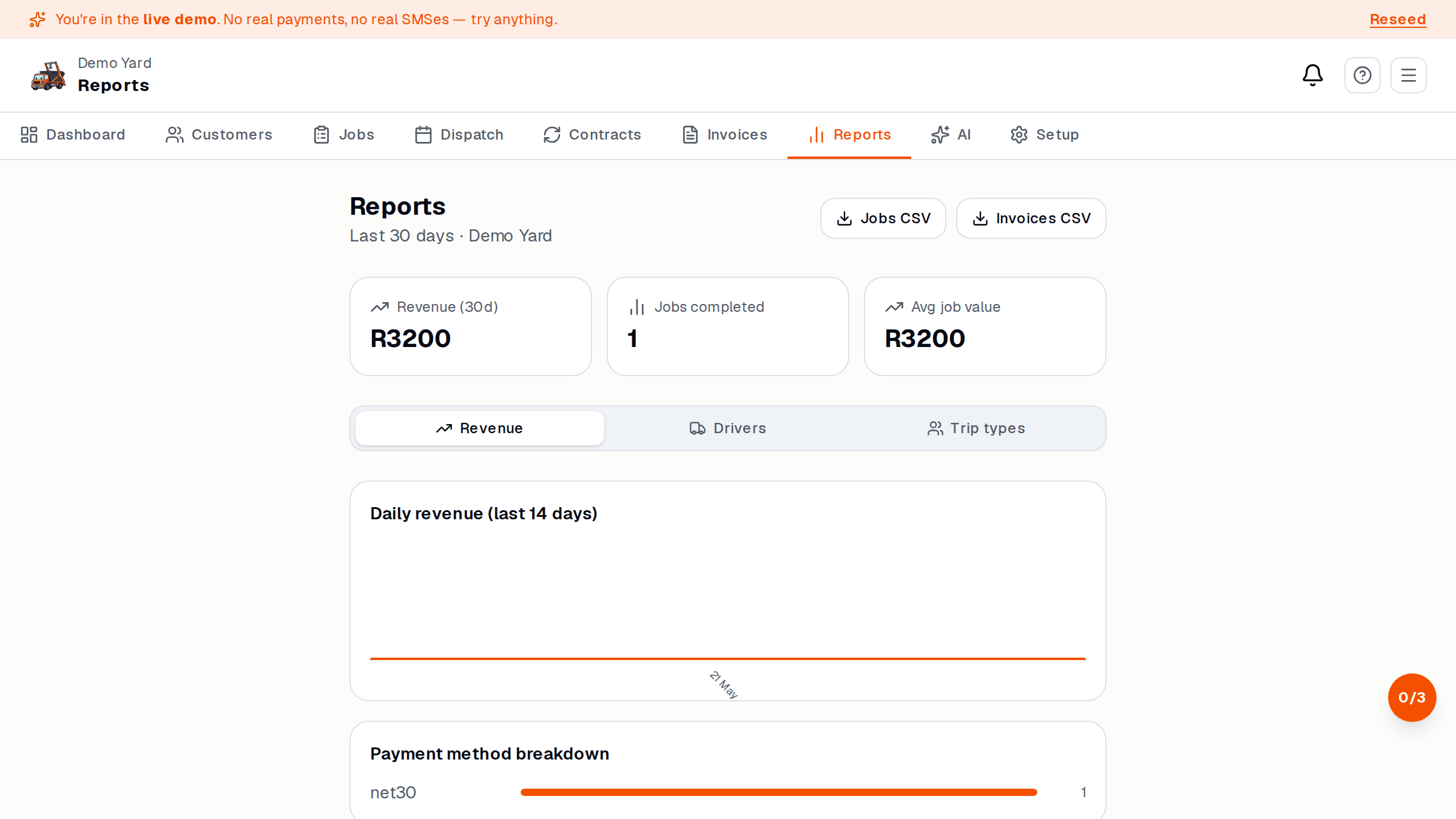
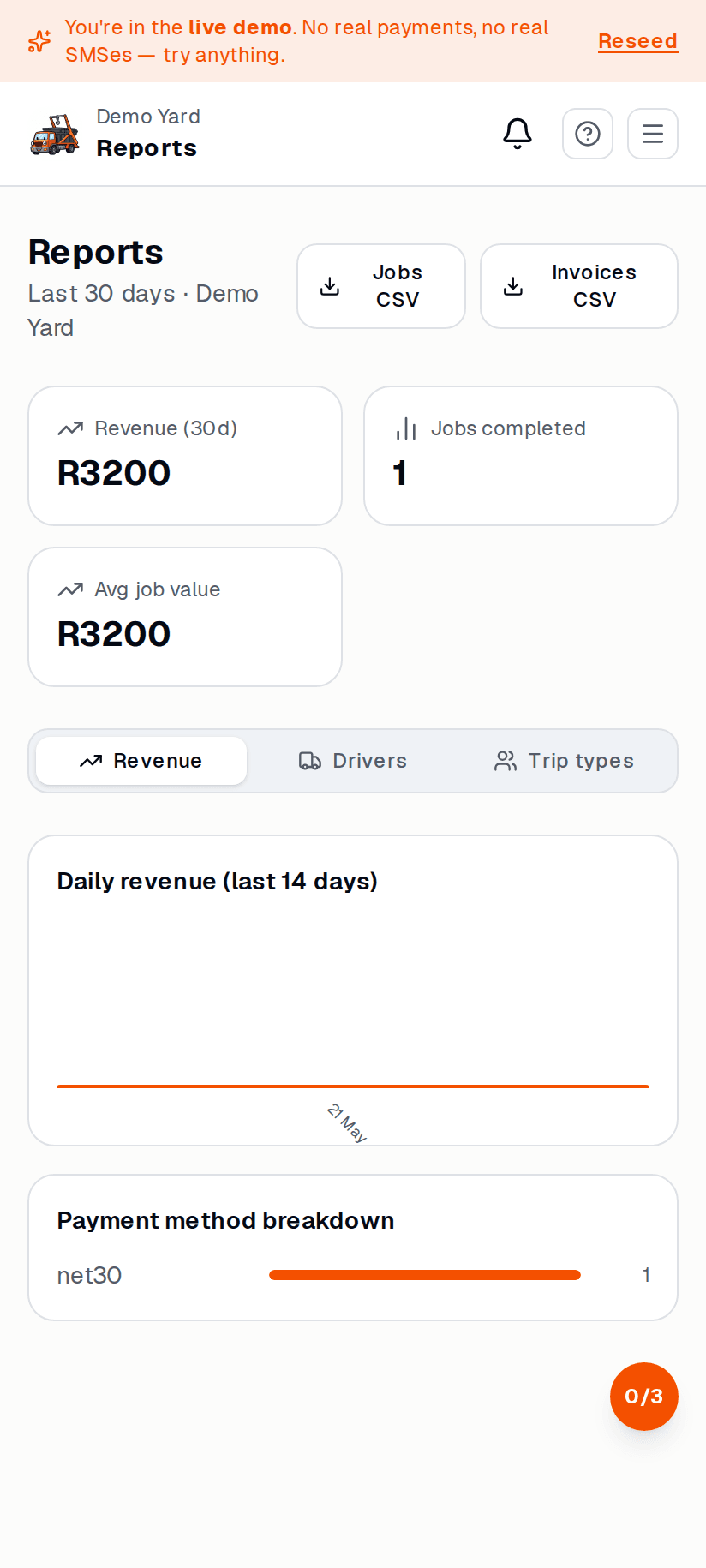
The headline numbers (top of the page)
Section titled “The headline numbers (top of the page)”- Revenue this month — invoiced + paid, this calendar month
- Outstanding — unpaid invoices that aren’t yet overdue
- Overdue — invoices past their due date — chase these first
- Jobs this month — count + average value
- Fleet utilisation — % of skip-days that were on hire
Reports you’ll use most
Section titled “Reports you’ll use most”| Report | Question it answers |
|---|---|
| Outstanding invoices | Who owes me money right now? |
| Top customers | Where does my revenue actually come from? |
| Skip utilisation | Which sizes are sitting in the yard? |
| Dump costs | Are tip costs eating my margin? |
| Driver productivity | Who’s getting the most jobs done? |
| Cancellation reasons | Why are we losing bookings? |
Each report has a date range filter (default: this month). On Pro+ you can export to CSV.
Send yourself a weekly summary
Section titled “Send yourself a weekly summary”Get a tax-ready export
Section titled “Get a tax-ready export”Reports → Tax export generates the SARS-friendly CSV your accountant wants: invoices, VAT, customer GLNs, the lot. Available on Pro and Enterprise.
See also
Section titled “See also”- Complete and invoice — where the data comes from
- Plans — which reports each plan unlocks