
Drivers
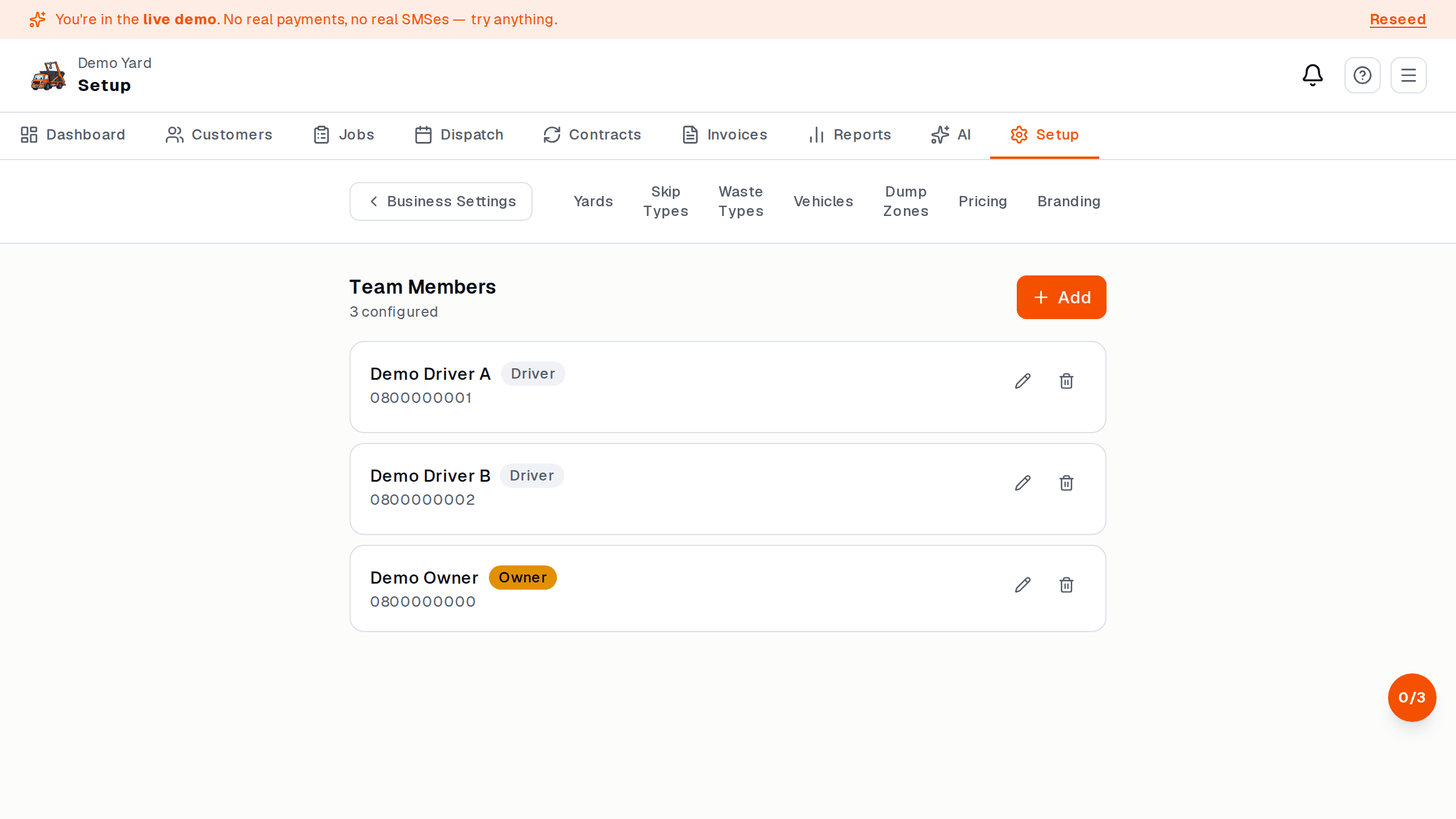
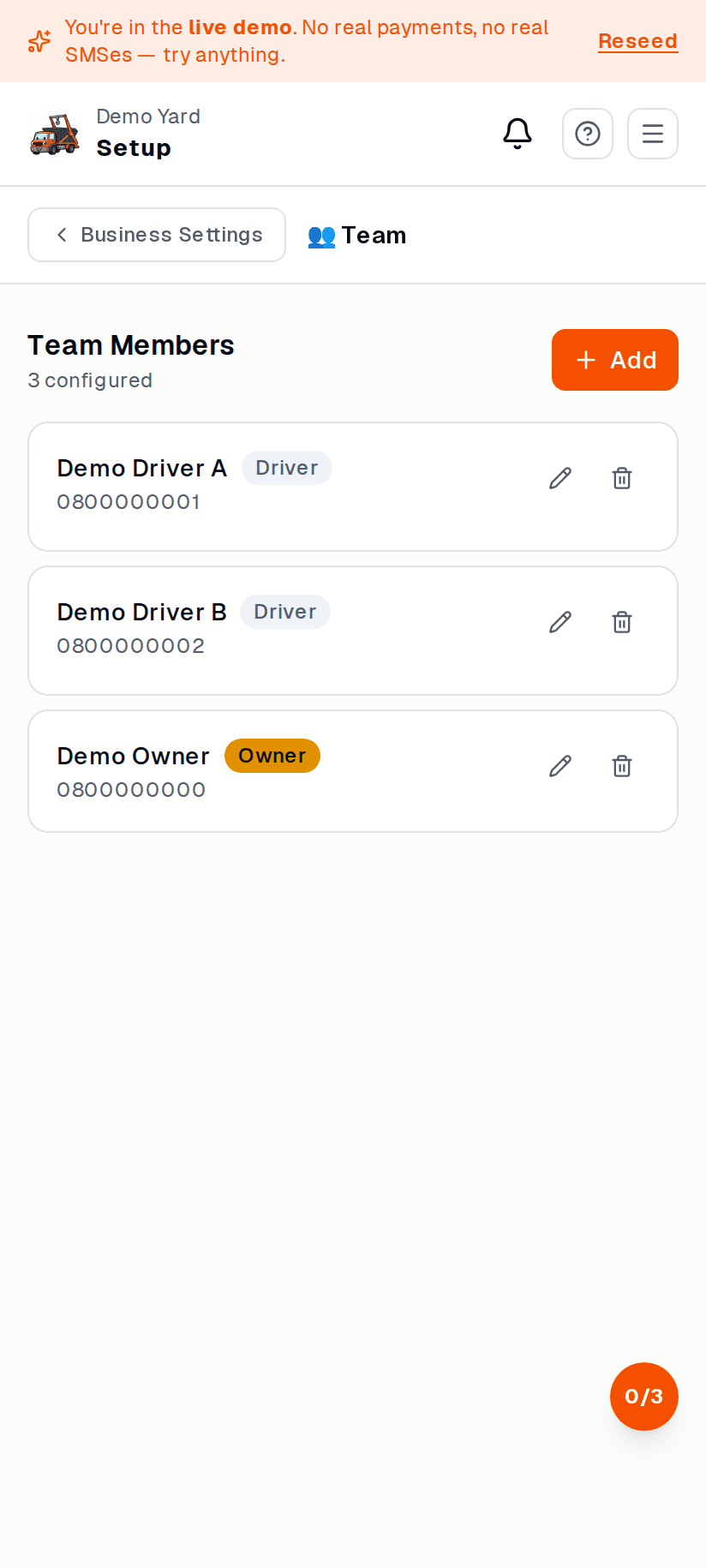
A driver in SkipDrop is a person who delivers, collects, and dumps skips. Drivers see only their own jobs for today.
Add a driver
Section titled “Add a driver”- Setup → Drivers → + Add driver.
- Enter:
- Name
- Cell number (this is how they sign in)
- Email (optional — for invoice notifications)
- Role: Driver (default)
- Tap Save and invite. SkipDrop SMSes the driver a link.
The driver signs in
Section titled “The driver signs in”The SMS link opens yourbusiness.skipdrop.co.za on their phone. They enter their
cell number, get an OTP, and they’re in. No password. No app store.
The driver sees only the driver app — none of your operator dashboard.
| Role | Can do |
|---|---|
| Owner | Everything. Manage billing, invite operators, delete data. |
| Operator | Run the day-to-day — dispatch, jobs, invoices, customers. No billing. |
| Driver | Only their assigned jobs on their phone. |
The cell number you signed up with is the Owner. Add operators sparingly.
Remove a driver
Section titled “Remove a driver”Open the driver and tap Deactivate. Their sign-in stops working immediately; any historical job assignments are preserved for reporting.
See also
Section titled “See also”- Driver app — what drivers see
- Dispatch — assigning drivers to jobs